> For the complete documentation index, see [llms.txt](https://help.listly.io/llms.txt). Markdown versions of documentation pages are available by appending `.md` to page URLs; this page is available as [Markdown](https://help.listly.io/docs/ja/getting-started/databoard-features/settings-auto-scroll.md).
# 設定 - 自動スクロール
## 自動スクロールとは?
抽出しているページで**繰り返しスクロールダウン**して、より多くの商品情報を表示する必要がある場合に使用します。
{% hint style="info" %}
**クイックステップ** ➡️ データを抽出 ➡️ Databoard設定 ➡️ 自動スクロールオプションを選択 ➡️ 保存 ➡️ データを再抽出
{% endhint %}
***
## 使い方
{% stepper %}
{% step %}
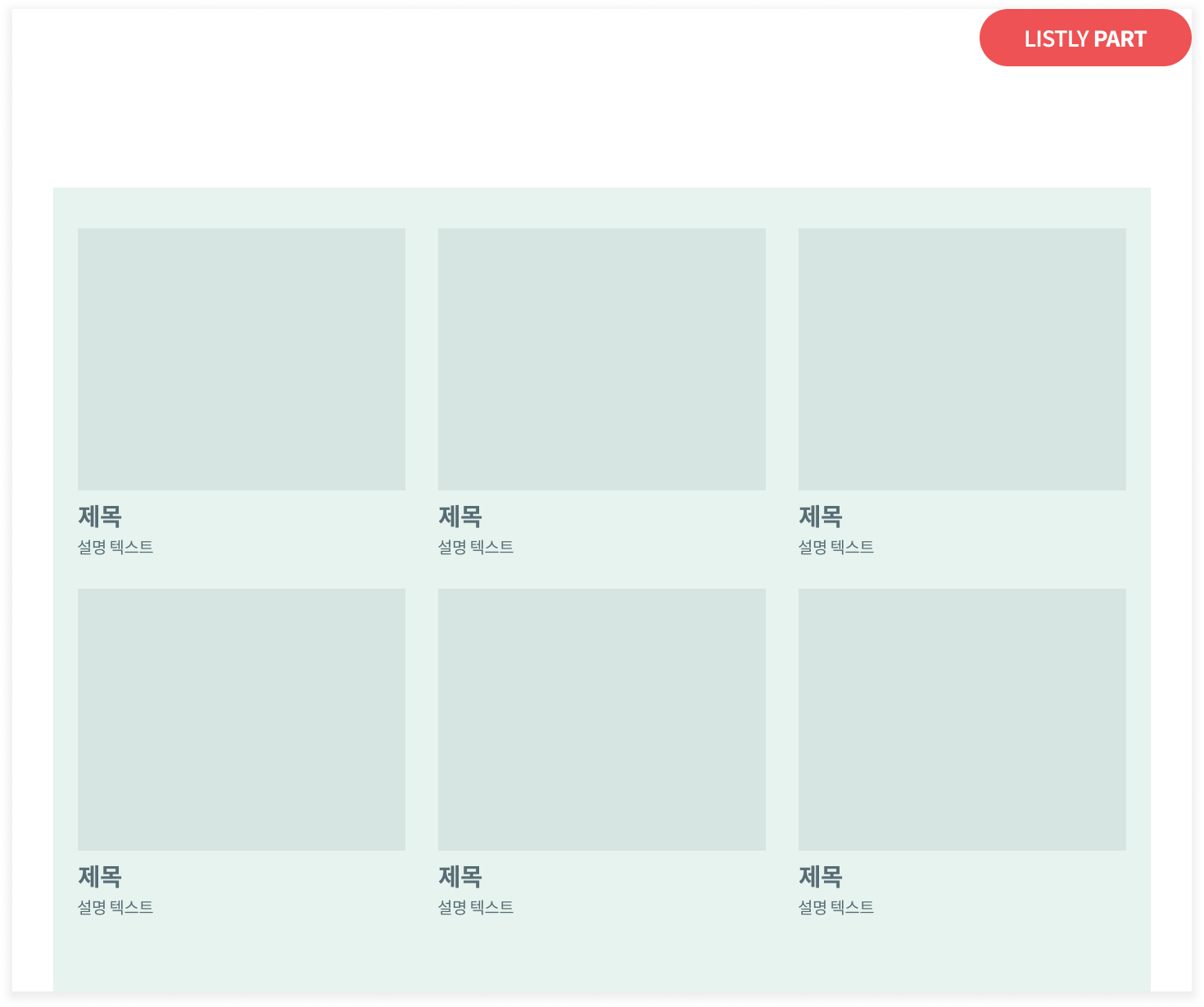
#### 目的のページからデータを抽出(Parts抽出を推奨)
{% endstep %}
{% step %}
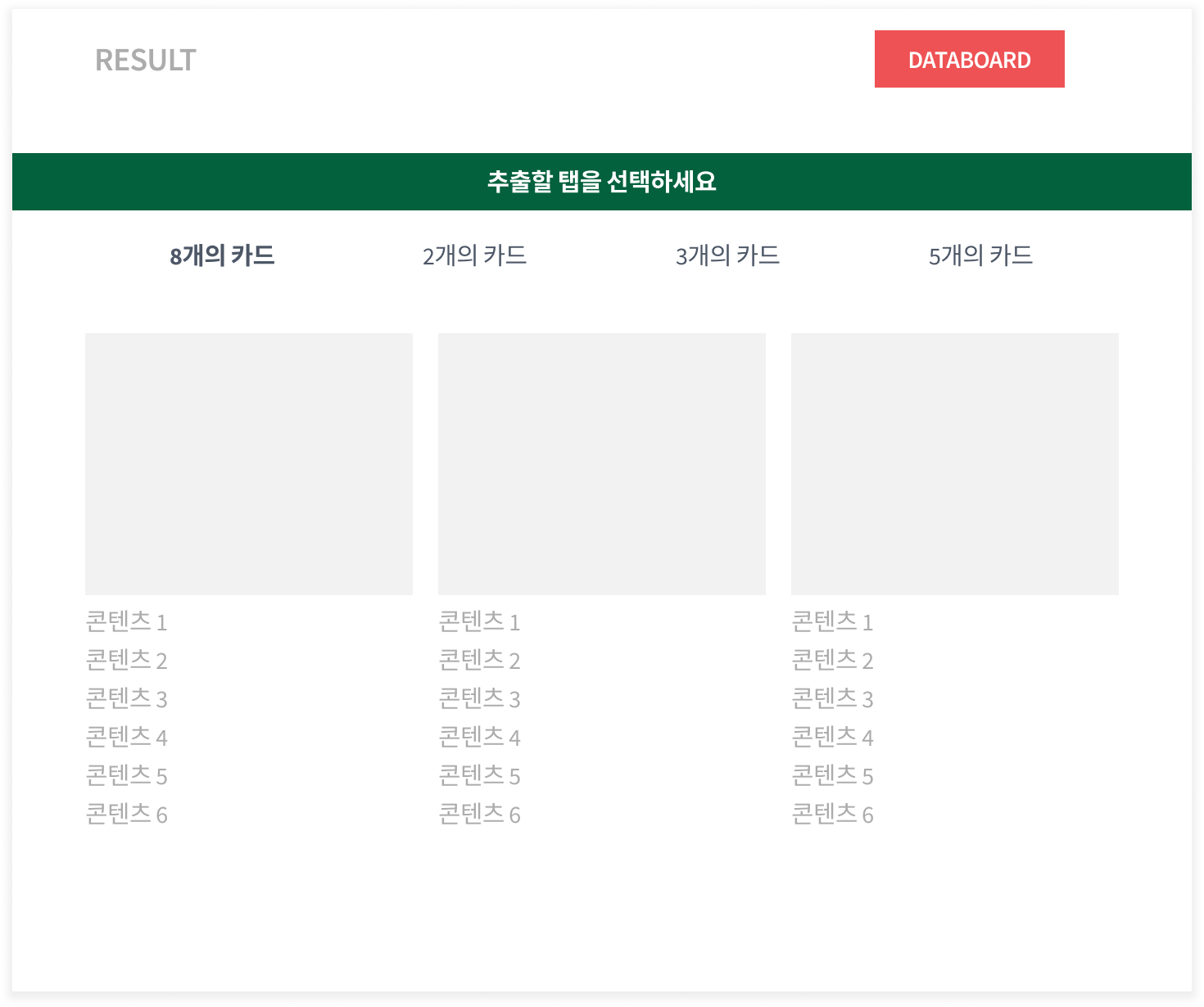
#### Databoardに移動
{% endstep %}
{% step %}
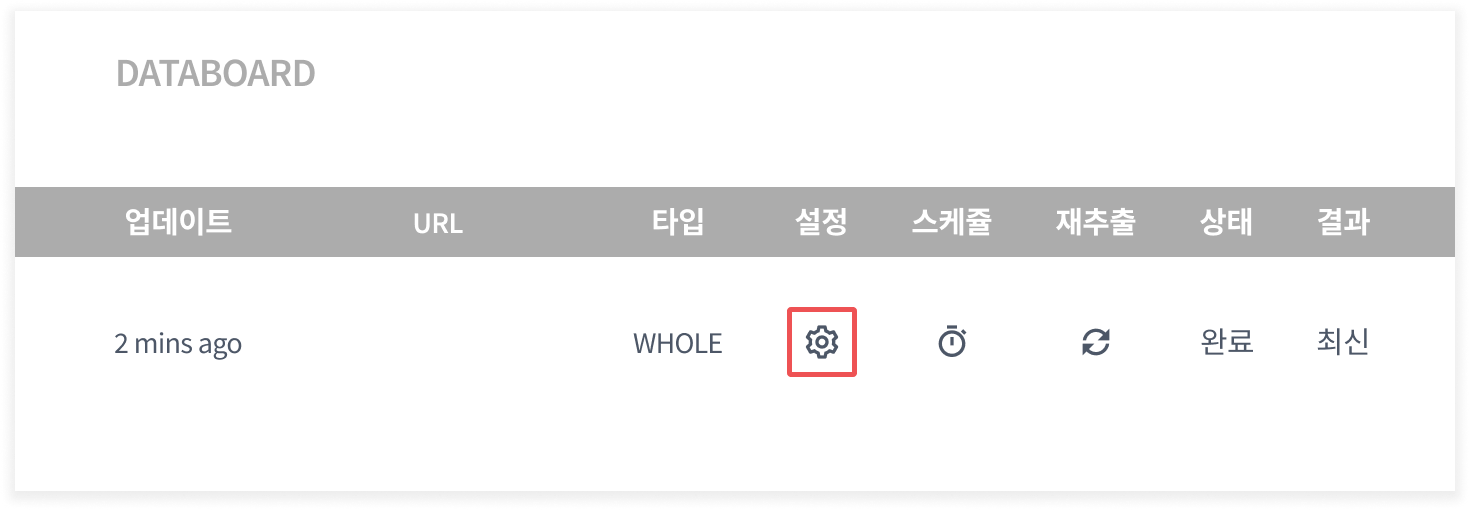
#### `設定`アイコンをクリック
{% endstep %}
{% step %}
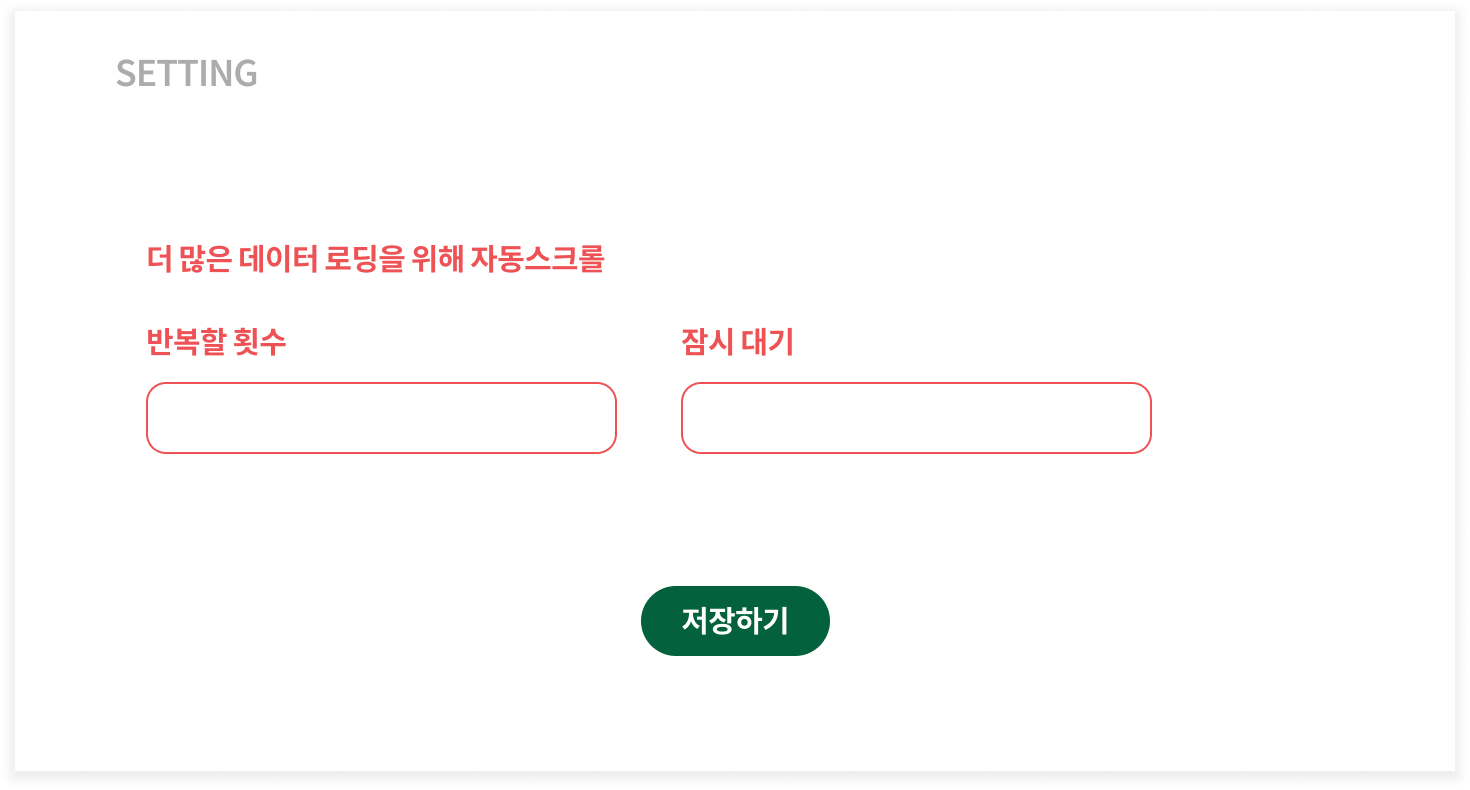
#### 自動スクロールオプションを選択して保存
* **繰り返し回数**:スクロールダウンアクションを何回繰り返したいですか?
* **スクロール後の待機時間**:各スクロール後に何秒待機しますか?
{% endstep %}
{% step %}
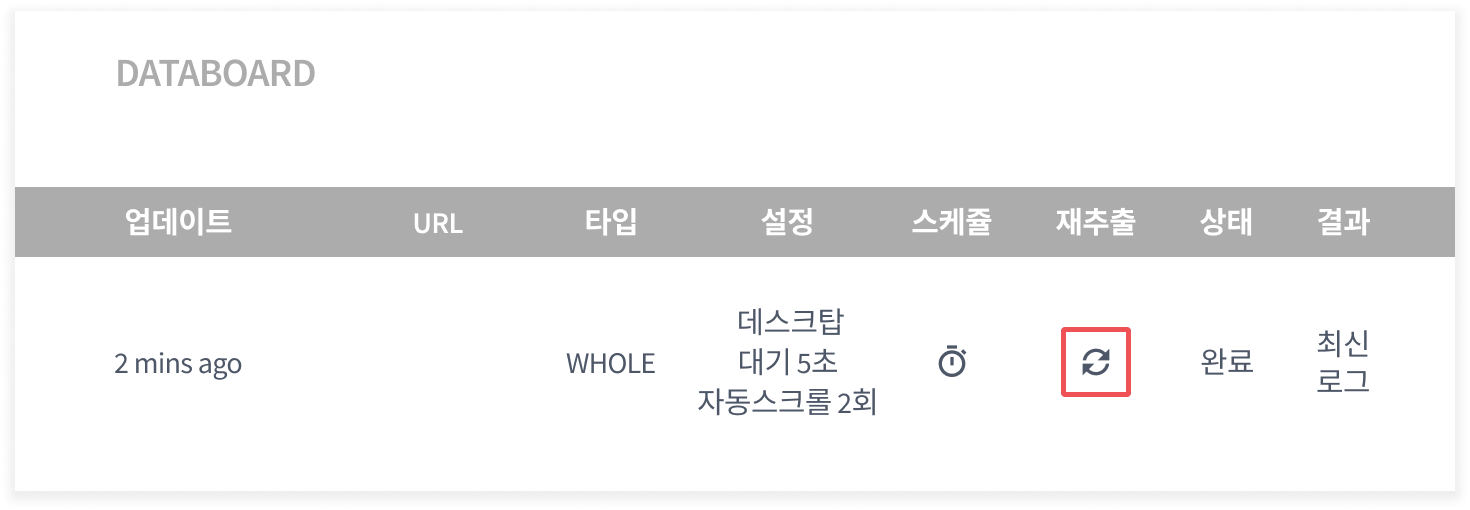
#### `再抽出`ボタンをクリックしてデータを再抽出
{% endstep %}
{% endstepper %}
***
## 自動スクロール FAQ
一部のページで自動スクロールがうまく機能しません。
* **スクロール後の待機時間を長く設定してみてください。**\
自動スクロールは、収集するページの速度に大きく影響されます。YouTubeの場合、追加コメントを読み込むのに試行ごとに5秒以上かかることがあります。スクロール後の待機時間を長く設定すると、目的のデータをすべて受信できる可能性が大幅に向上します。
* **実行時間は最大10分に制限されています。**\
Listlyがユーザーに代わってデータを抽出する機能は、\*\*`最大10分間`\*\*しか実行できないため、スクロールの繰り返し回数を多すぎると設定したり、待機時間を過度に長く設定すると、**実行時間の制限によりデータ抽出が失敗します**。設定を行う際、下の警告が表示されないように、**繰り返し回数と待機時間を適切に設定**してください。推定時間は、ウェブサイトのサーバーとネットワーク条件によって実際の時間と異なる場合があります。
---
# Agent Instructions
This documentation is published with GitBook. GitBook is the documentation platform designed so that both humans and AI agents can read, navigate, and reason over technical content effectively. Learn more at gitbook.com.
## Querying This Documentation
If you need additional information that is not directly available in this page, you can query the documentation dynamically by asking a question.
Perform an HTTP GET request on the current page URL with the `ask` query parameter, and the optional `goal` query parameter:
```
GET https://help.listly.io/docs/ja/getting-started/databoard-features/settings-auto-scroll.md?ask=&goal=
```
`ask` is the immediate question: it should be specific, self-contained, and written in natural language.
`goal` is optional and describes the broader end goal you are ultimately trying to accomplish on behalf of the user. GitBook uses it to tailor the answer towards what is most useful for that goal.
The response will contain a direct answer to the question and relevant excerpts and sources from the documentation.
Use this mechanism when the answer is not explicitly present in the current page, you need clarification or additional context, or you want to retrieve related documentation sections.