> For the complete documentation index, see [llms.txt](https://help.listly.io/llms.txt). Markdown versions of documentation pages are available by appending `.md` to page URLs; this page is available as [Markdown](https://help.listly.io/docs/ja/~/revisions/ms2wMhVhK1XeWg18p8eO/support/solutions-by-error-message/scheduler-normal-screen.md).
# \[スケジューラー (Scheduler)] 問題のない正常な画面
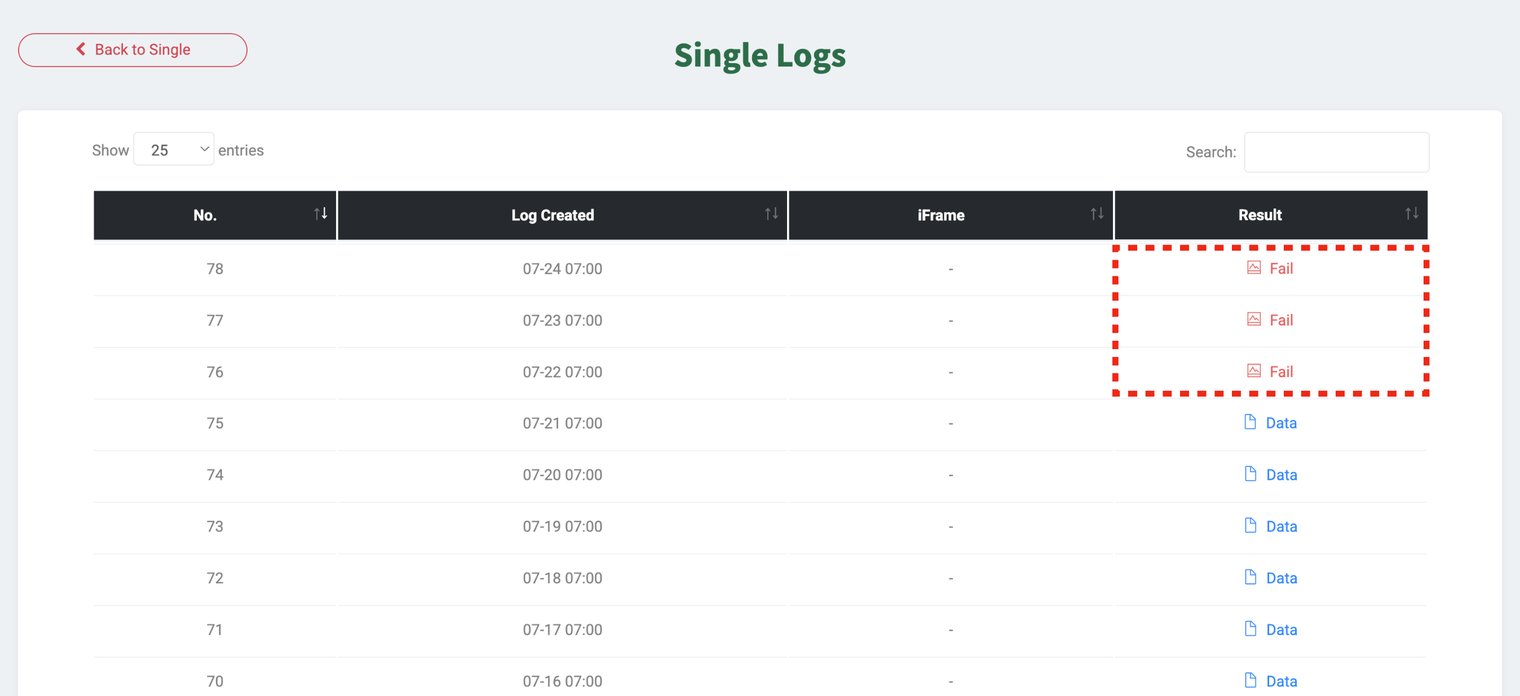
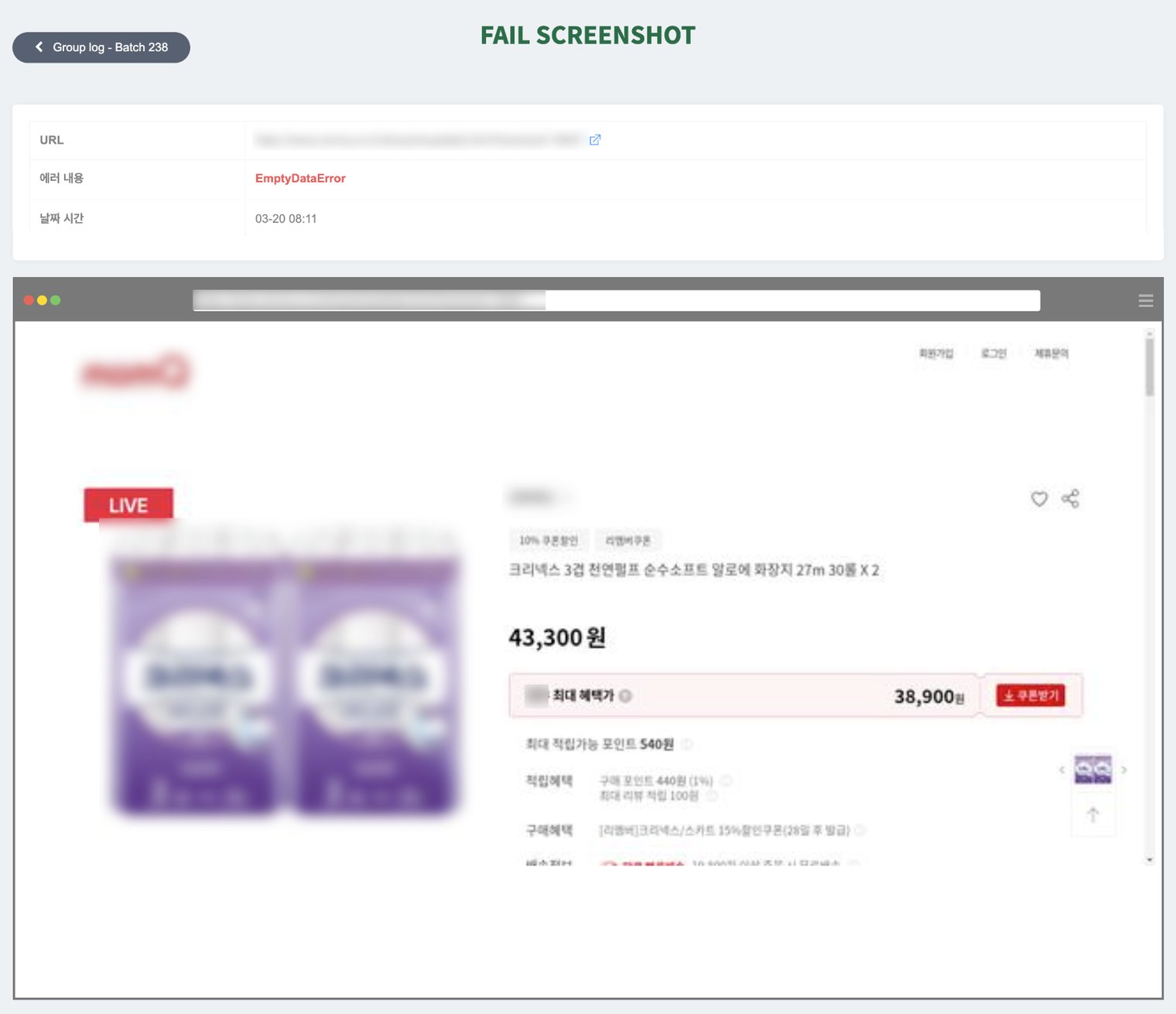
このヘルプガイドは、スケジュール機能で**繰り返し抽出が設定されている**タスクで、**以前は正常に抽出されていたページ**が突然抽出に失敗する場合を対象としています。エラースクリーンショットで**対象ページが正常に表示されている**にもかかわらずデータが収集されなかった場合、これは**初期設定時に指定したデータの位置(構造)が変更されたか、そのエリアがもう存在しない**可能性があります。この場合は、そのページでデータを再選択して新しいタスクとして登録することをおすすめします。
#### ✅ 解決方法
**以下に説明する選択方法はすべてのケースに対する推奨事項ではありません。**\
このガイドは**既存の抽出が失敗した場合**、新しいタスクでの成功率を高めるための参考ティップです。シンプルな構造のサイトでは、複数の詳細エリアを選択しても問題なくデータを収集できます。
* ページにアクセスして、**データを再選択して抽出**してください。\
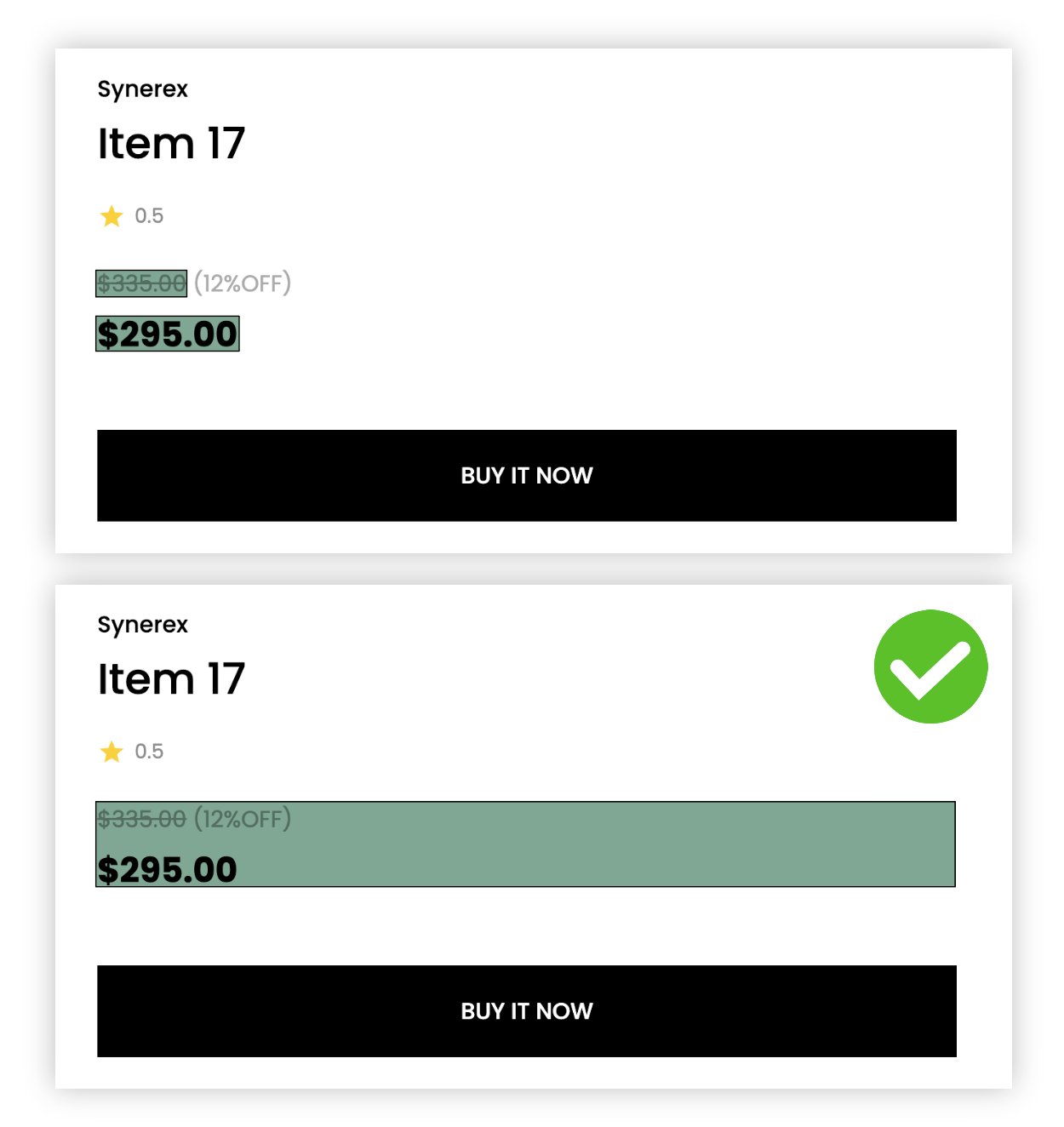
パーツ (Parts) を使用してエリアを指定して抽出する場合、やや上位の要素(より広いエリア)を選択すると、繰り返し抽出時の失敗率を下げることができます。
{% hint style="success" %}
**提案されたすべての方法を試しても問題が続く場合は、**[**hello@listly.io**](mailto:hello@listly.io)**までお問い合わせください。正確な原因を診断した後、問題解決をサポートいたします。**
{% endhint %}
---
# Agent Instructions
This documentation is published with GitBook. GitBook is the documentation platform designed so that both humans and AI agents can read, navigate, and reason over technical content effectively. Learn more at gitbook.com.
## Querying This Documentation
If you need additional information that is not directly available in this page, you can query the documentation dynamically by asking a question.
Perform an HTTP GET request on the current page URL with the `ask` query parameter, and the optional `goal` query parameter:
```
GET https://help.listly.io/docs/ja/~/revisions/ms2wMhVhK1XeWg18p8eO/support/solutions-by-error-message/scheduler-normal-screen.md?ask=&goal=
```
`ask` is the immediate question: it should be specific, self-contained, and written in natural language.
`goal` is optional and describes the broader end goal you are ultimately trying to accomplish on behalf of the user. GitBook uses it to tailor the answer towards what is most useful for that goal.
The response will contain a direct answer to the question and relevant excerpts and sources from the documentation.
Use this mechanism when the answer is not explicitly present in the current page, you need clarification or additional context, or you want to retrieve related documentation sections.