# 如何使用基础提取
{% hint style="info" %}
**超简单跟着做**
➡️ 安装 Listly Chrome 扩展程序 ➡️ 在想要的页面点击顶部 Listly 图标 ➡️ 选择 WHOLE / PARTS\
➡️ 下载 Excel 文件
{% endhint %}
***
## 使用方法
{% stepper %}
{% step %}
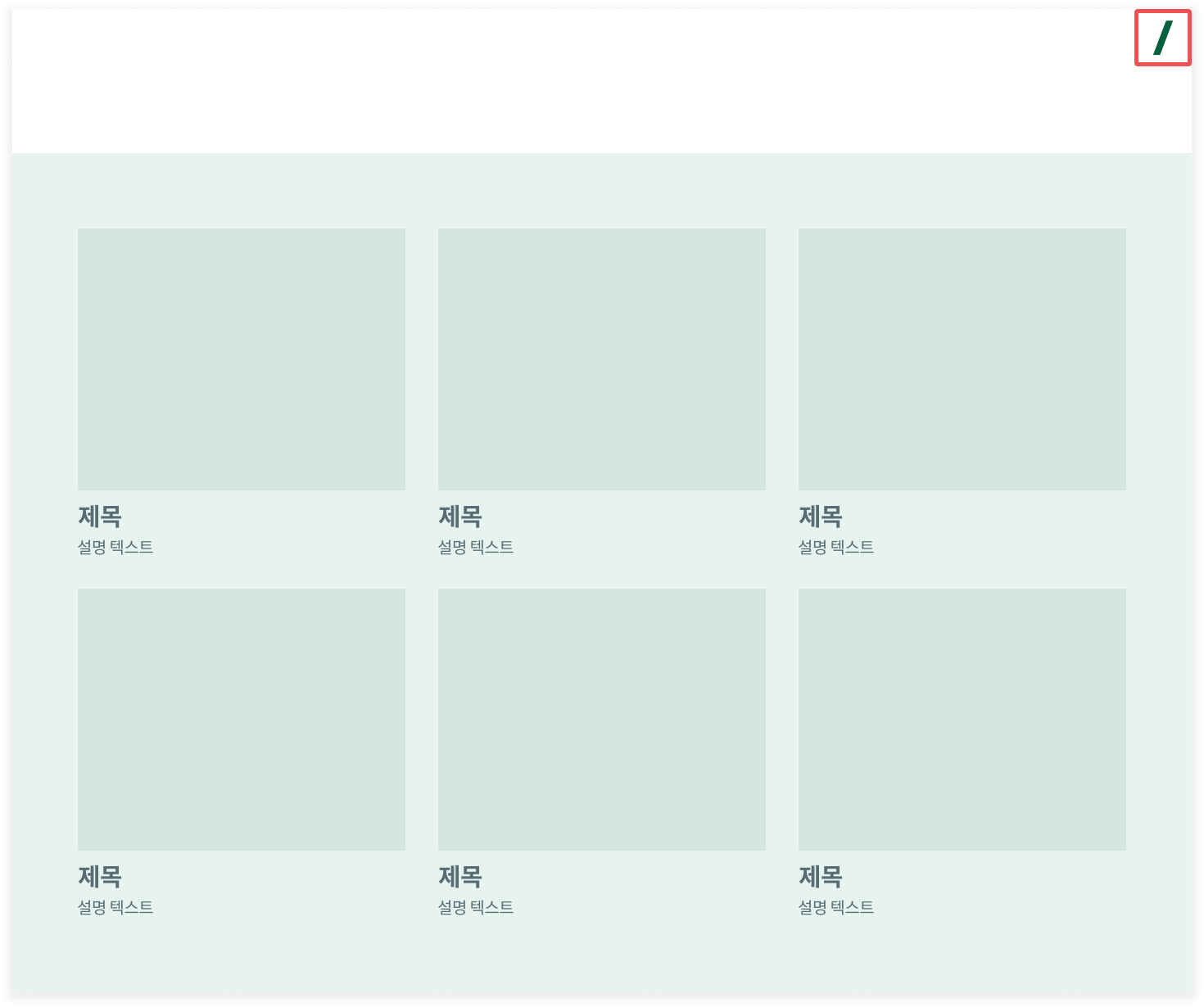
#### 在想提取数据的页面点击 **Listly 扩展程序图标**。
 {% endstep %}
{% step %}
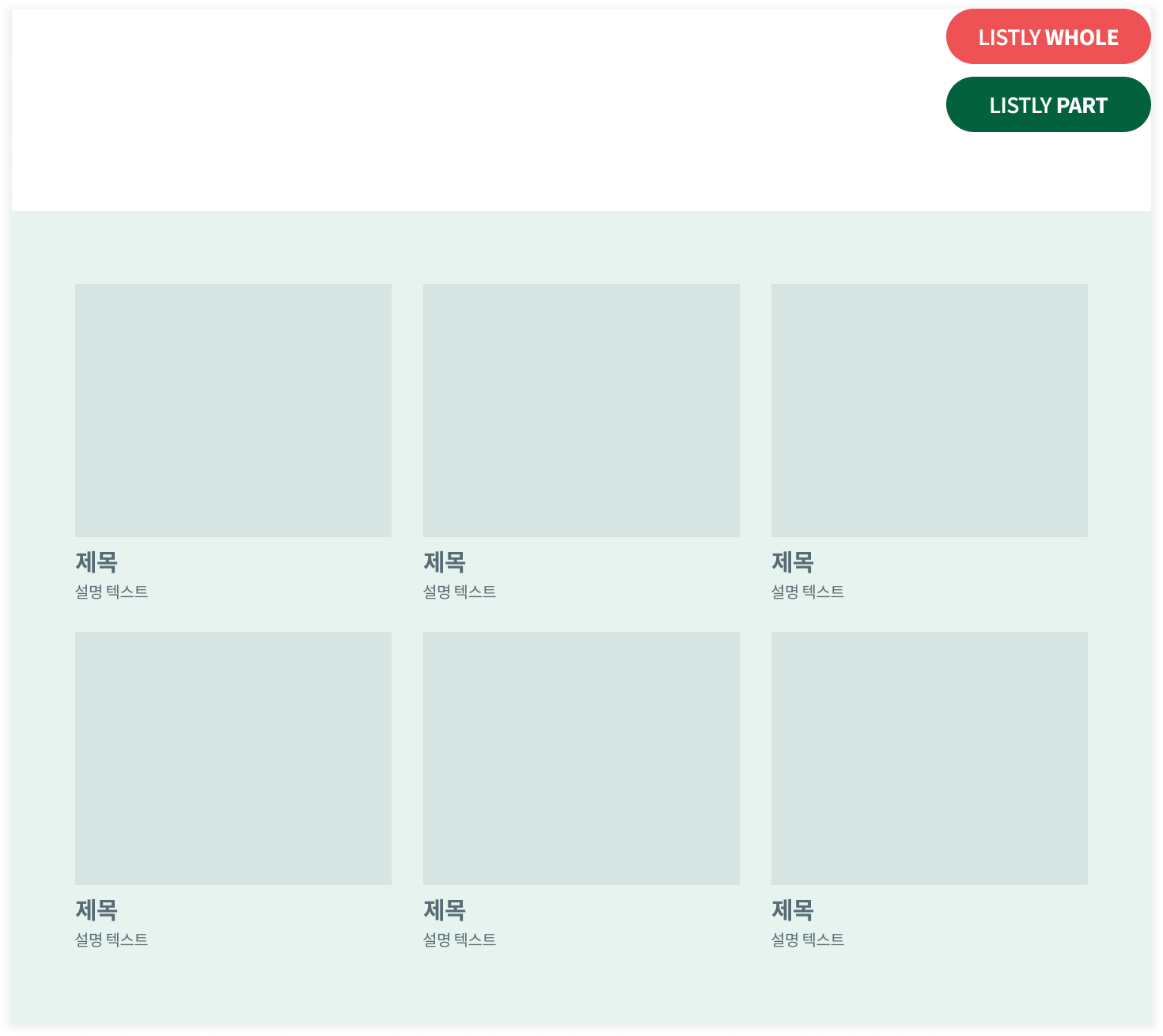
#### 点击 `WHOLE` 按钮。
{% endstep %}
{% step %}
#### 点击 `WHOLE` 按钮。
 {% endstep %}
{% step %}
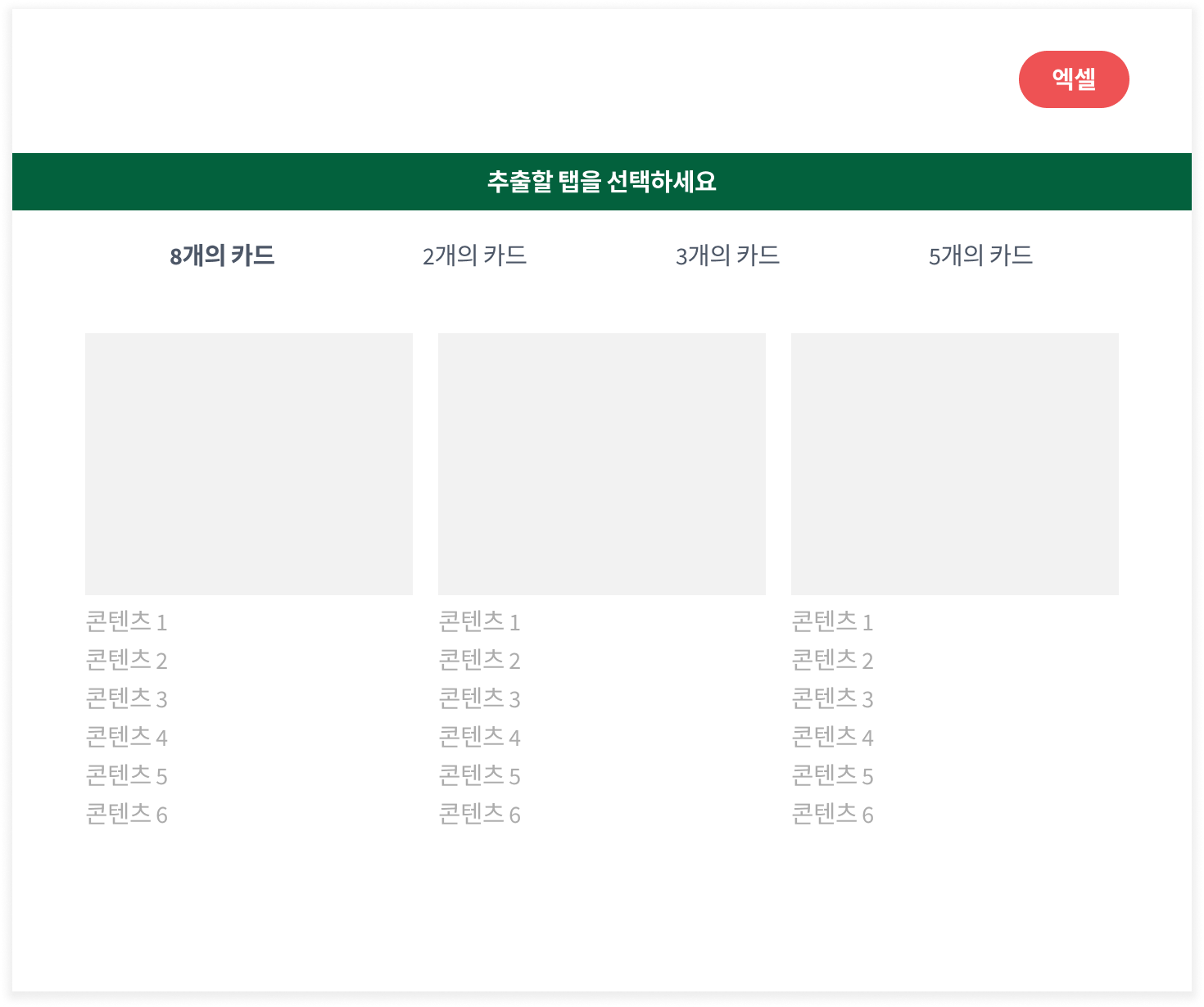
#### 按 **`Excel`** 或 **`Google 表格`** 按钮下载文件。
{% endstep %}
{% step %}
#### 按 **`Excel`** 或 **`Google 表格`** 按钮下载文件。
 {% endstep %}
{% endstepper %}
{% endstep %}
{% endstepper %}