> For the complete documentation index, see [llms.txt](https://help.listly.io/llms.txt). Markdown versions of documentation pages are available by appending `.md` to page URLs; this page is available as [Markdown](https://help.listly.io/docs/zh-hant/getting-started/databoard-features/scheduler-zh-hant.md).
# 設定 - 排程器
## 排程器是什麼?
像每日日誌追蹤或監控一樣,**需要每天在固定時間提取時**使用的功能。
{% hint style="info" %}
**超簡單跟著做**\
➡️ 資料提取 ➡️ 新增排程 ➡️ 儲存 ➡️ 等待預約時間或接收通知
{% endhint %}
***
## 使用方法
{% stepper %}
{% step %}
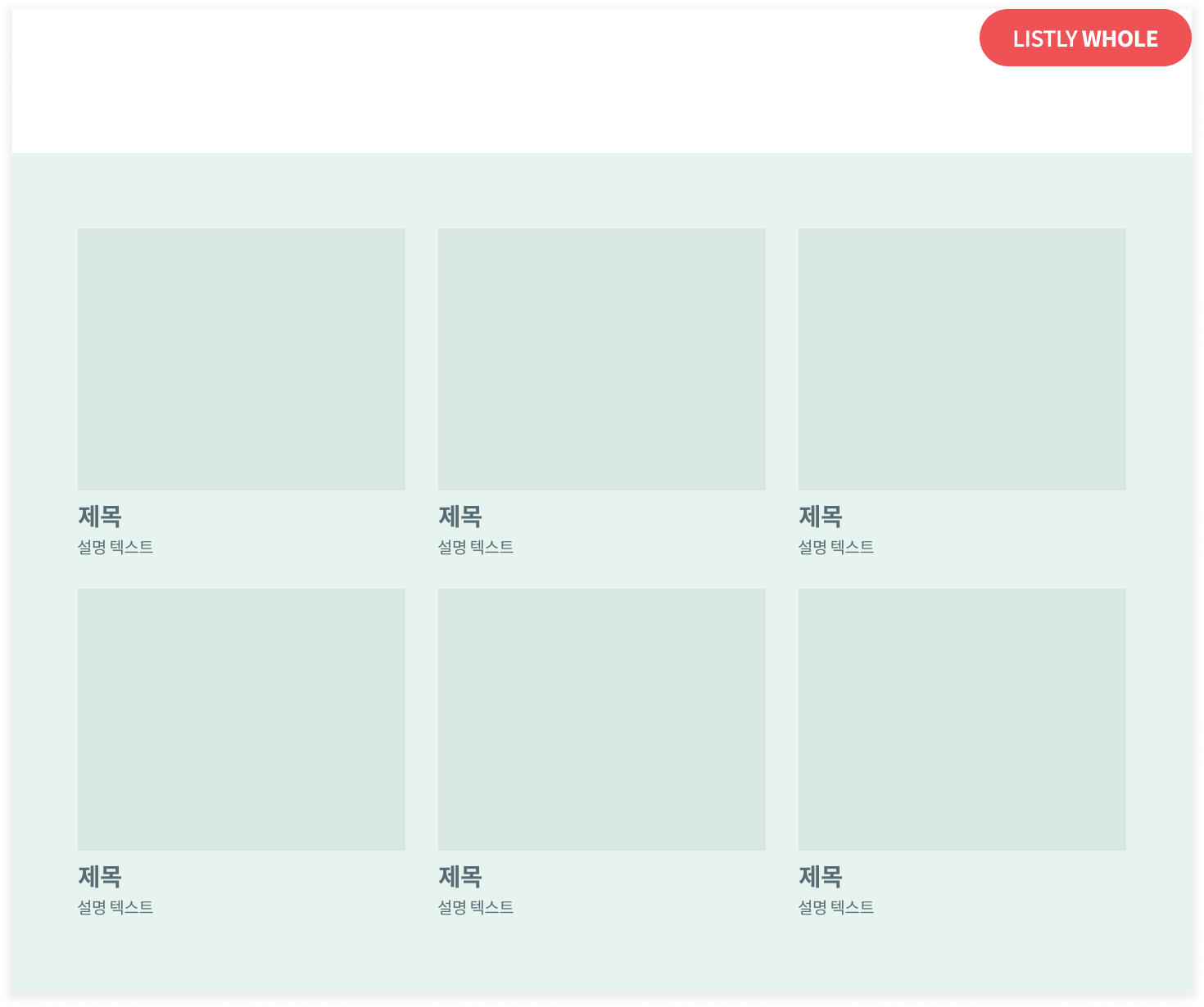
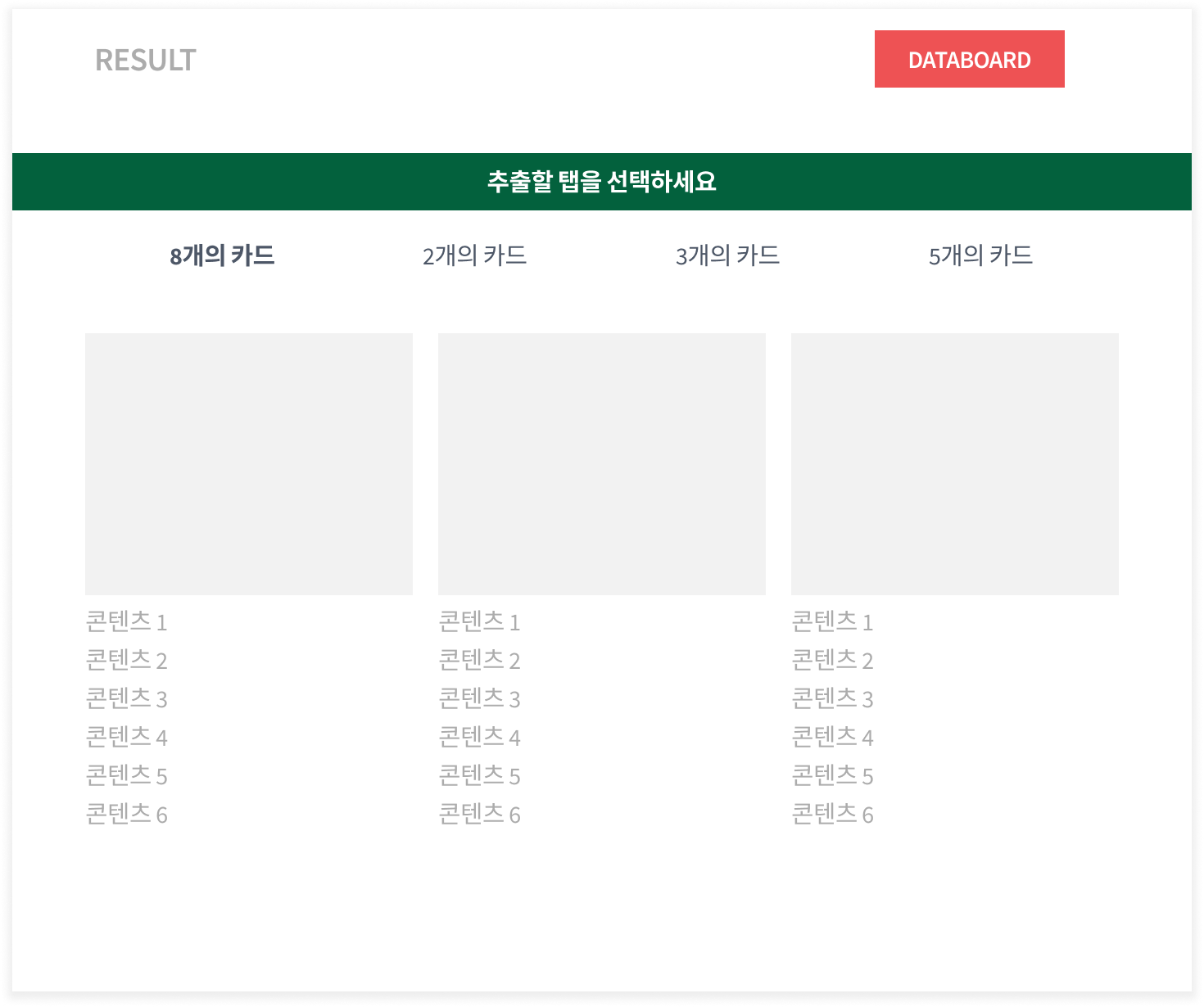
#### 在所需頁面提取資料
{% endstep %}
{% step %}
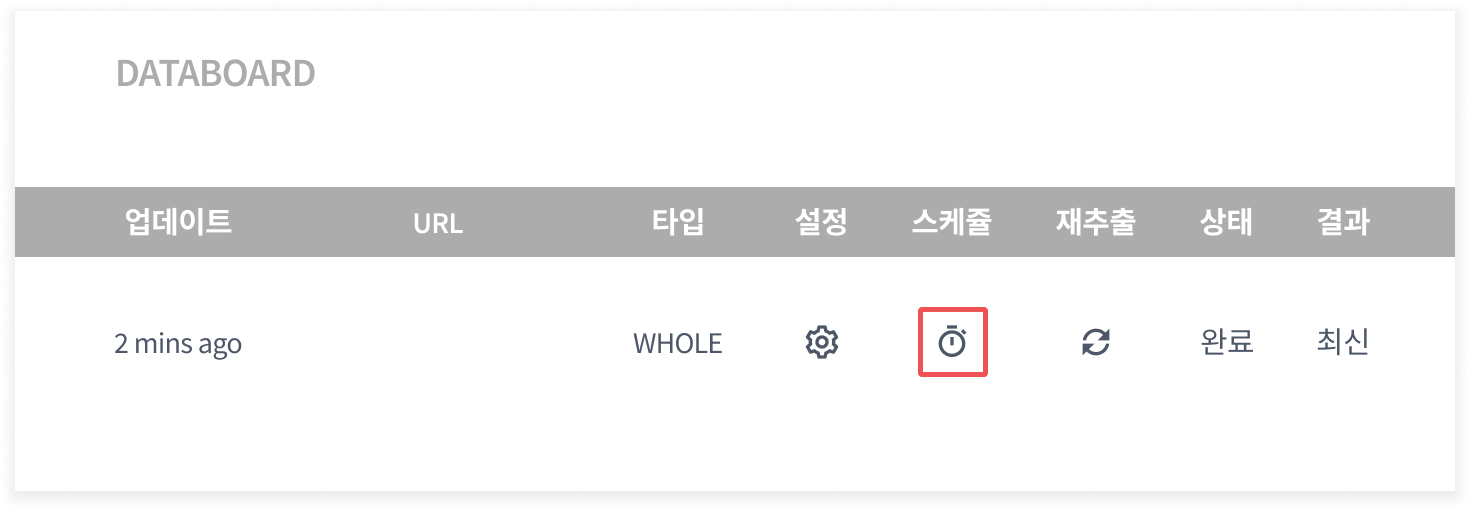
#### 前往資料面板
{% endstep %}
{% step %}
#### 點擊 **`排程`** 圖示
{% endstep %}
{% step %}
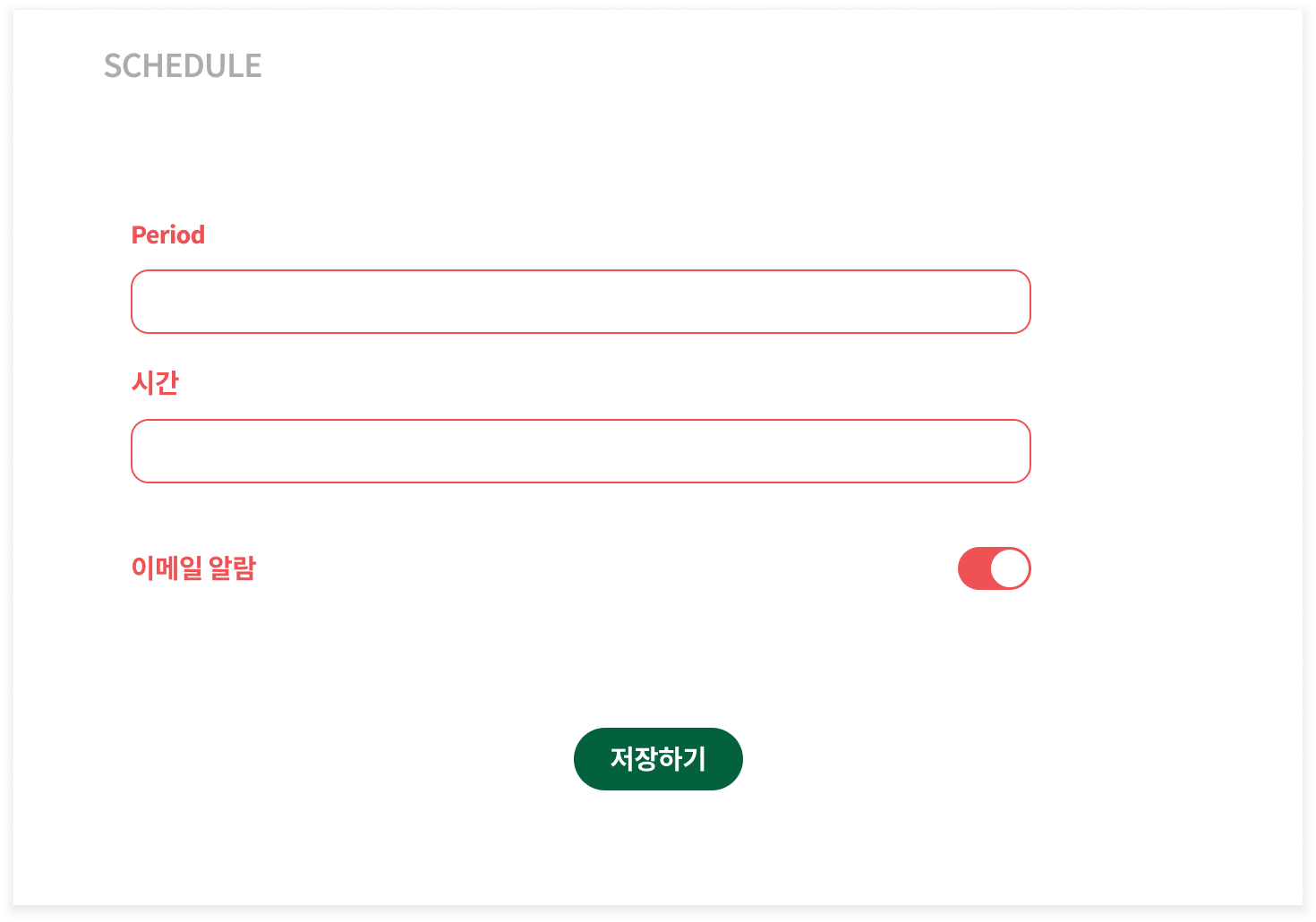
#### 設定重複週期和時間
需要開啟電子郵件警報才能接收警報。
{% endstep %}
{% step %}
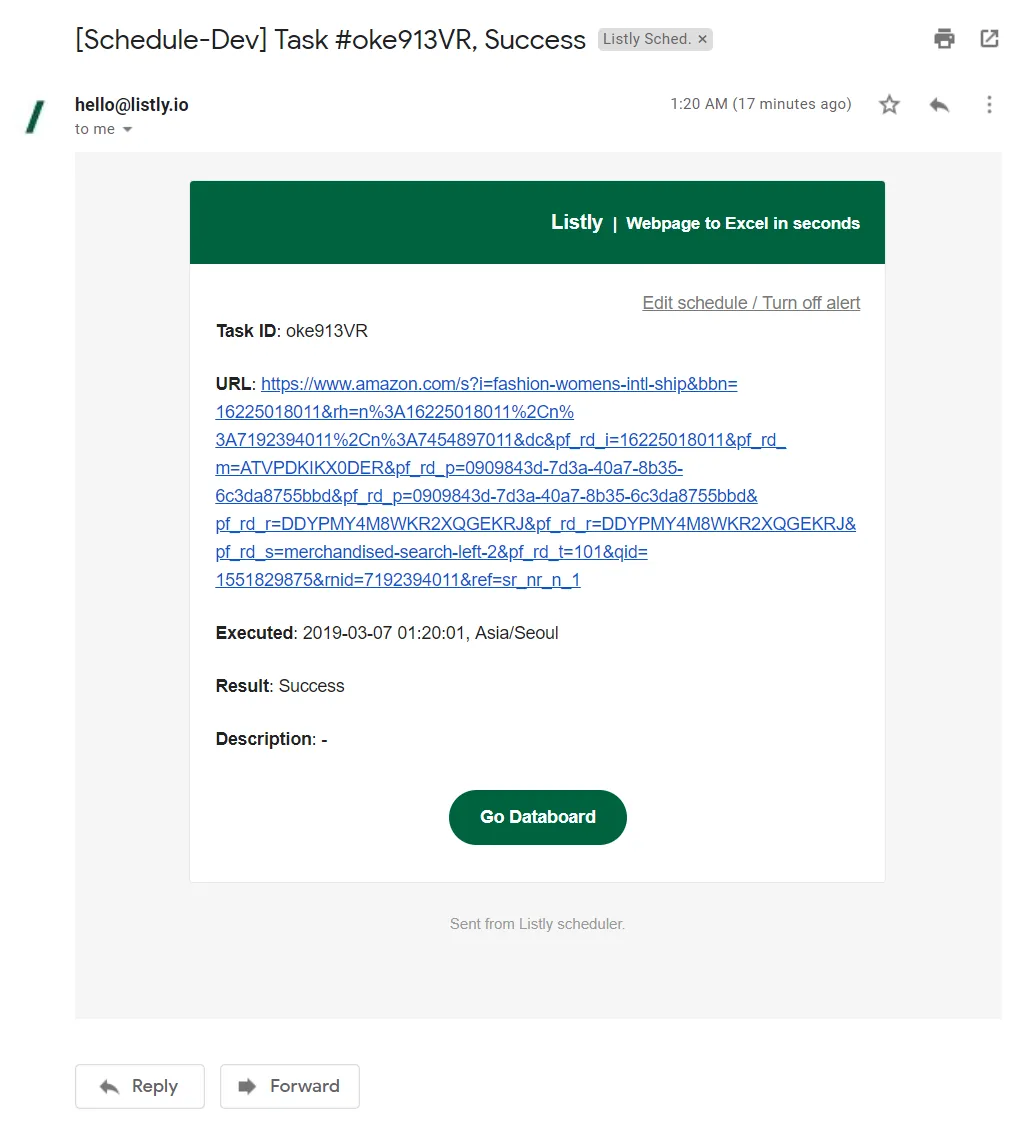
#### 🎉 在預約時間接收資料提取警報
資料提取結果也可以在 Listly 資料面板(DATABOARD)中確認。
{% endstep %}
{% endstepper %}
---
# Agent Instructions
This documentation is published with GitBook. GitBook is the documentation platform designed so that both humans and AI agents can read, navigate, and reason over technical content effectively. Learn more at gitbook.com.
## Querying This Documentation
If you need additional information that is not directly available in this page, you can query the documentation dynamically by asking a question.
Perform an HTTP GET request on the current page URL with the `ask` query parameter, and the optional `goal` query parameter:
```
GET https://help.listly.io/docs/zh-hant/getting-started/databoard-features/scheduler-zh-hant.md?ask=&goal=
```
`ask` is the immediate question: it should be specific, self-contained, and written in natural language.
`goal` is optional and describes the broader end goal you are ultimately trying to accomplish on behalf of the user. GitBook uses it to tailor the answer towards what is most useful for that goal.
The response will contain a direct answer to the question and relevant excerpts and sources from the documentation.
Use this mechanism when the answer is not explicitly present in the current page, you need clarification or additional context, or you want to retrieve related documentation sections.