> For the complete documentation index, see [llms.txt](https://help.listly.io/llms.txt). Markdown versions of documentation pages are available by appending `.md` to page URLs; this page is available as [Markdown](https://help.listly.io/docs/zh-hant/getting-started/databoard-features/screenshot-zh-hant.md).
# 設定 - 螢幕截圖
## 截圖是什麼?
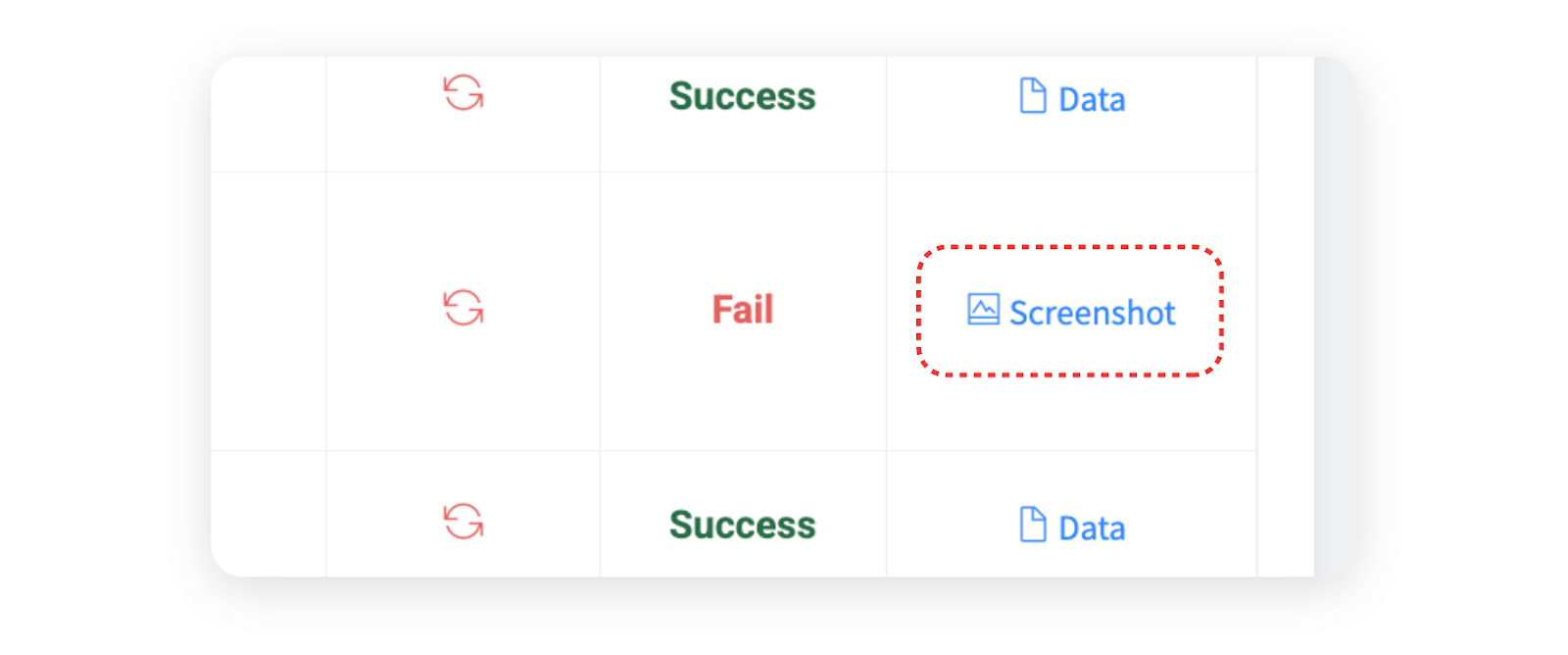
資料提取失敗時,**會自動生成截圖**以確認原因。提供失敗時的頁面狀態和錯誤代碼,有助於了解問題原因。
***
## 截圖頁面結構
{% columns %}
{% column width="58.333333333333336%" %}
{% endcolumn %}
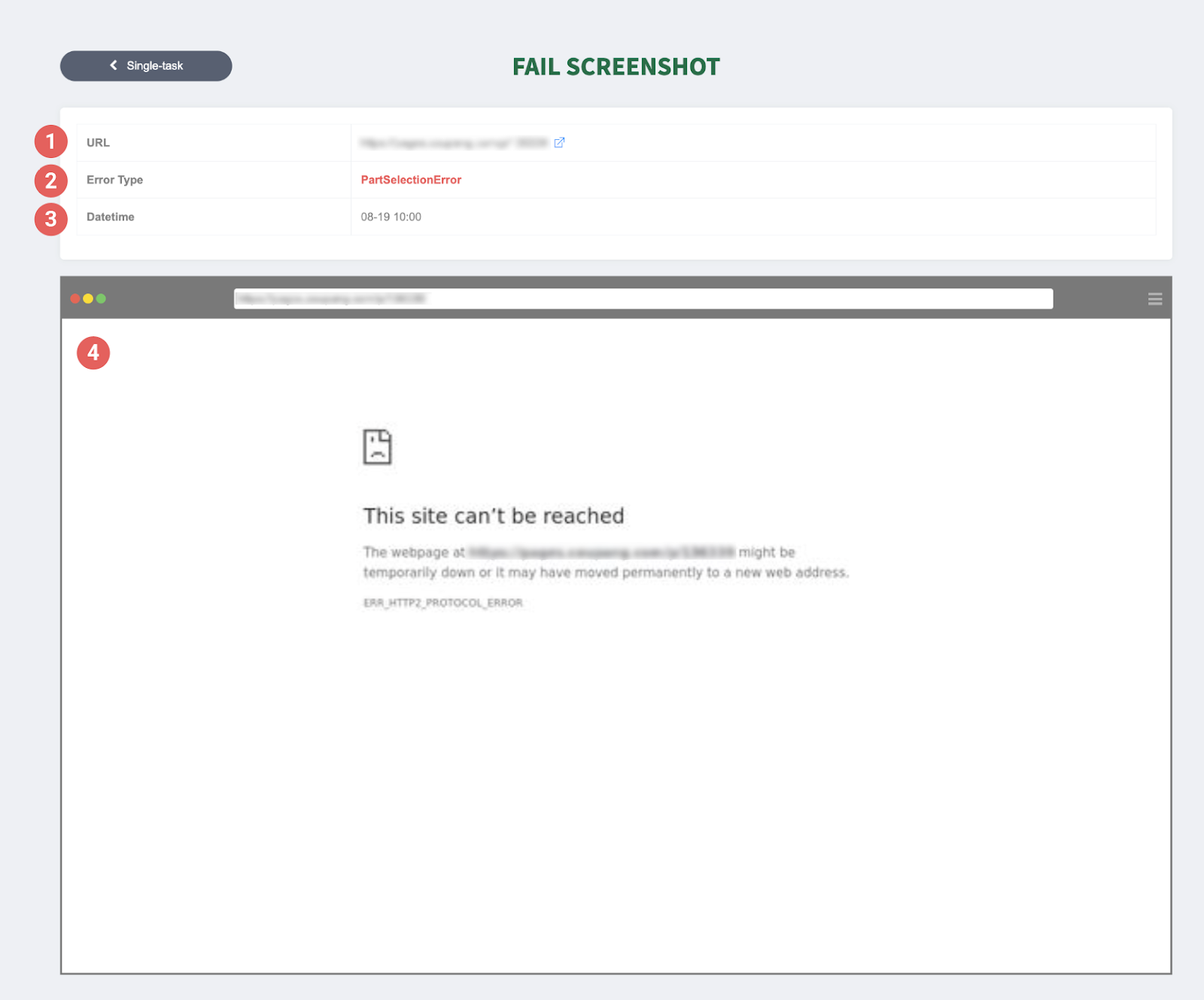
{% column width="41.666666666666664%" %} ➊ URL:嘗試提取的網站地址。
➋ 錯誤內容:顯示發生的錯誤代碼。
➌ 日期時間:表示發生錯誤的時間點。
➍ 截圖:原樣捕捉失敗當時的畫面,是了解原因最重要的線索。在上述範例畫面中,可以確認因封鎖對該網站的存取,無法連接到正常頁面而導致提取失敗。
{% endcolumn %}
{% endcolumns %}
***
## 活用截圖
{% hint style="success" %}
**截圖活用方法**
截圖是幫助快速診斷提取失敗原因的功能。資料提取失敗時,確認截圖後立即採取適當措施。可以在下方幫助中確認常見失敗原因和解決方法。
**參考幫助**:[提取失敗訊息別解決方法](https://app.gitbook.com/o/Uu6AM3fgpZza0EpsJM4N/s/QSPSOmaFPAz7khj6t7Ds/support/solutions-by-extraction-error-message-zh-hant)
{% endhint %}
---
# Agent Instructions
This documentation is published with GitBook. GitBook is the documentation platform designed so that both humans and AI agents can read, navigate, and reason over technical content effectively. Learn more at gitbook.com.
## Querying This Documentation
If you need additional information that is not directly available in this page, you can query the documentation dynamically by asking a question.
Perform an HTTP GET request on the current page URL with the `ask` query parameter, and the optional `goal` query parameter:
```
GET https://help.listly.io/docs/zh-hant/getting-started/databoard-features/screenshot-zh-hant.md?ask=&goal=
```
`ask` is the immediate question: it should be specific, self-contained, and written in natural language.
`goal` is optional and describes the broader end goal you are ultimately trying to accomplish on behalf of the user. GitBook uses it to tailor the answer towards what is most useful for that goal.
The response will contain a direct answer to the question and relevant excerpts and sources from the documentation.
Use this mechanism when the answer is not explicitly present in the current page, you need clarification or additional context, or you want to retrieve related documentation sections.