> For the complete documentation index, see [llms.txt](https://help.listly.io/llms.txt). Markdown versions of documentation pages are available by appending `.md` to page URLs; this page is available as [Markdown](https://help.listly.io/docs/zh-hant/getting-started/databoard-features/settings-proxy-zh-hant.md).
# 設定 - 代理伺服器
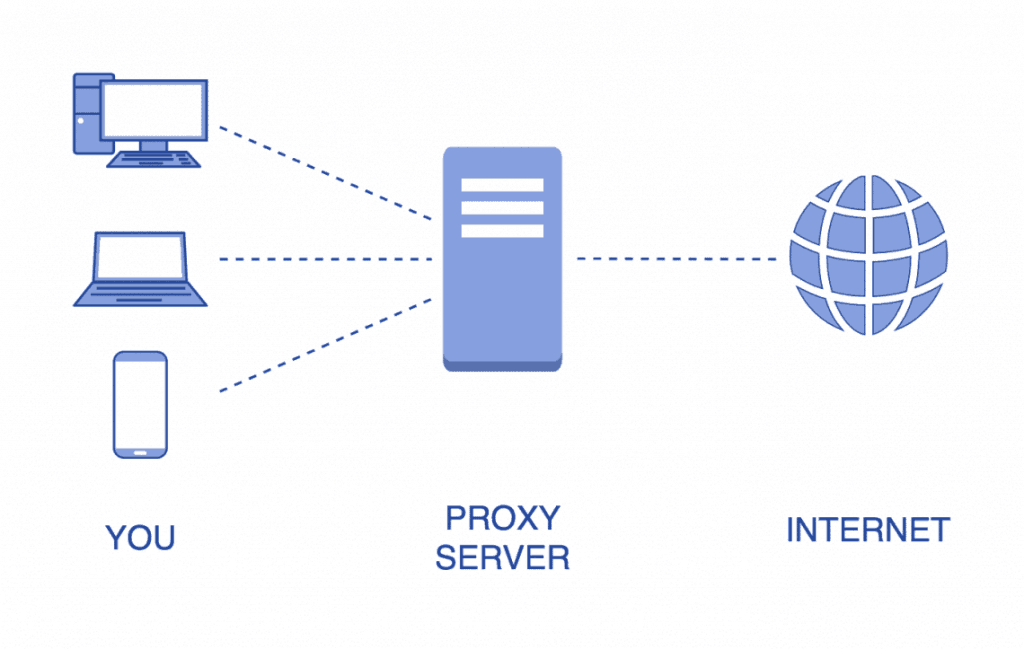
## 代理伺服器是什麼?
指使用者存取某個網站時在中間過程經由的伺服器。一般為了隱藏網站存取者的 IP 位址而設定代理伺服器。
### 為什麼要隱藏 IP 位址?
因為要存取的網站可能基於 IP 位址設定各種限制。以下情況最具代表性。
1. **限制只能從特定國家存取網站的情況**
2. **限制一定時間內網站存取次數的情況**
3. **限制累積不良記錄的特定 IP 位址的情況**
### 何時使用代理伺服器?
**在國內難以存取的部分網站提取資料**時,將代理國家設定為其他國家,就可以輕鬆從原本無法存取的網頁獲得想要的結果。
{% hint style="success" %}
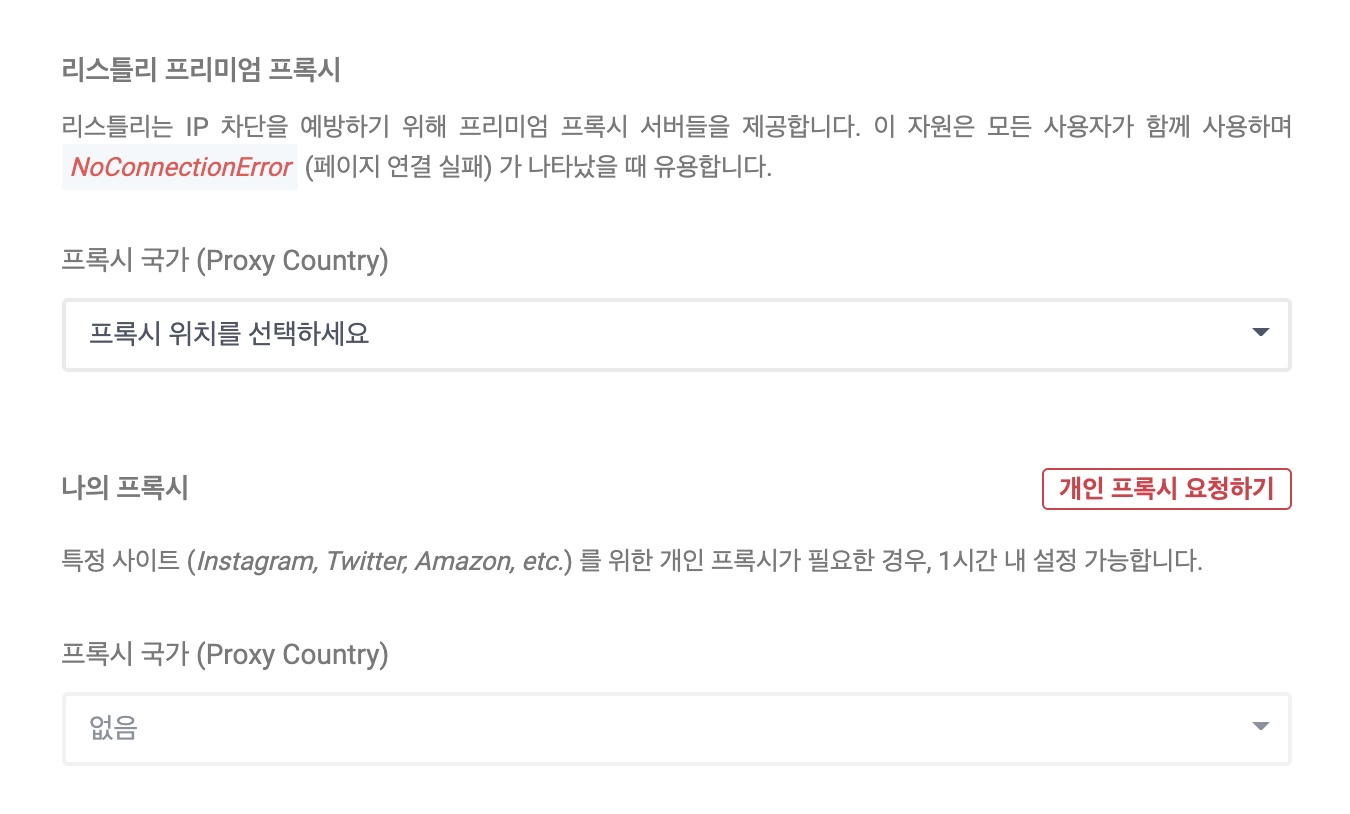
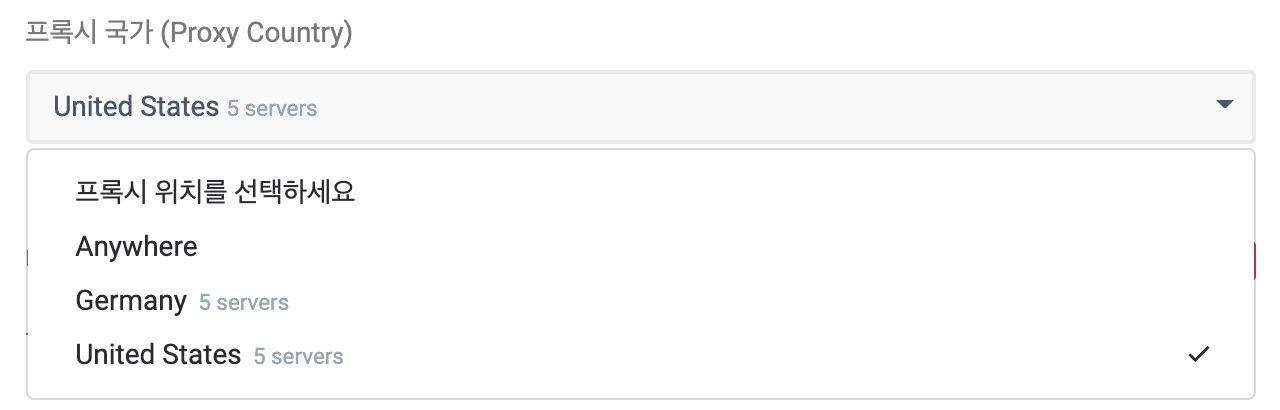
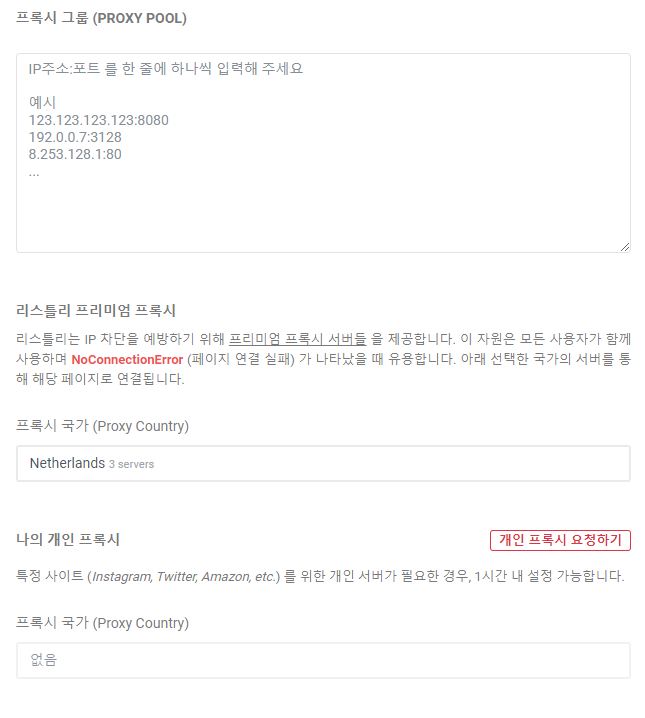
Listly 高級代理是透過倫理運營的海外代理服務有償購買的代理伺服器。是所有使用者共同使用的公用伺服器,目前提供美國/德國/荷蘭等多個國家伺服器,國家可能會變更。
{% endhint %}
***
## 使用方法
### <透過範例了解> 國內無法存取的美國網站
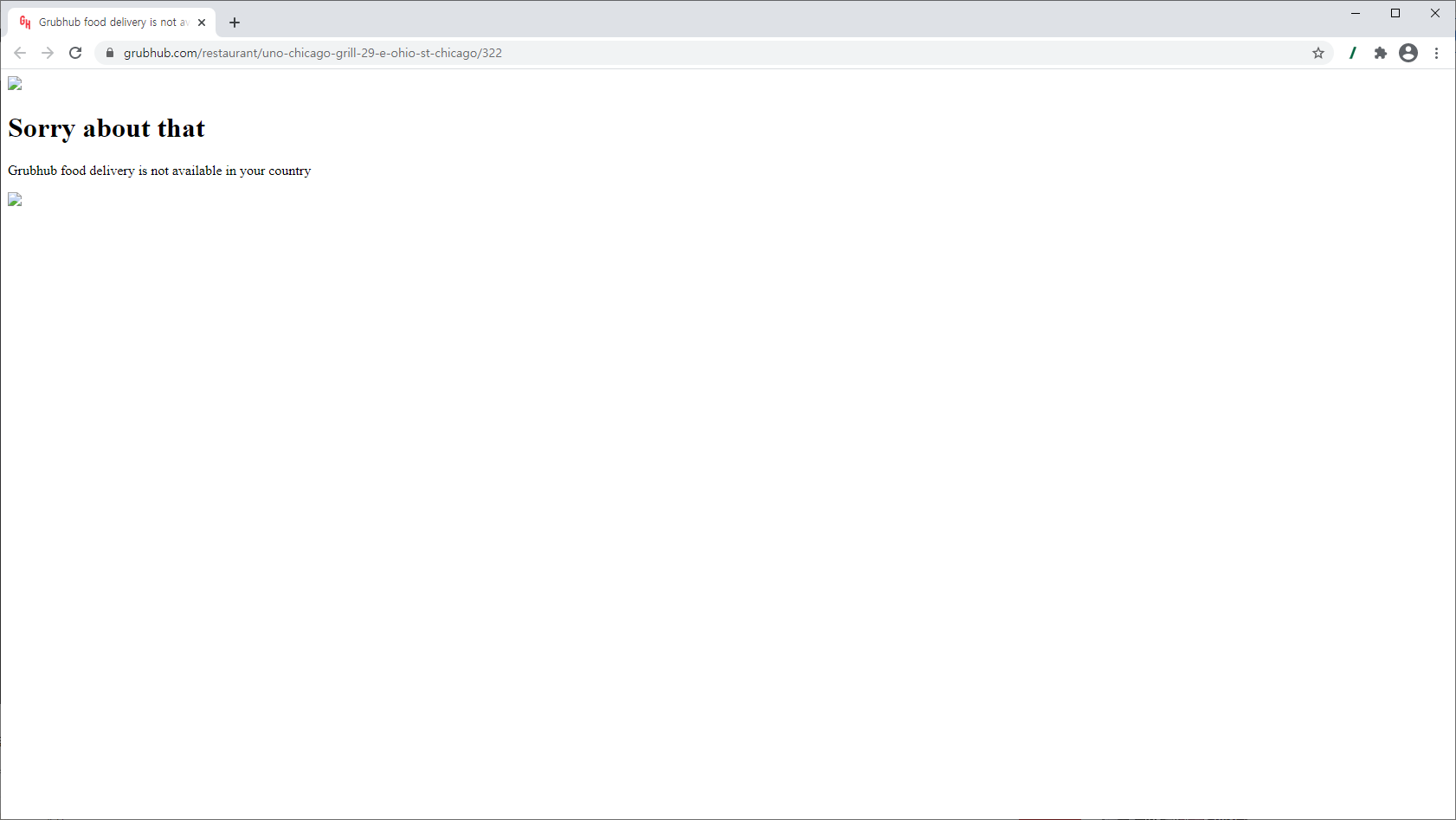
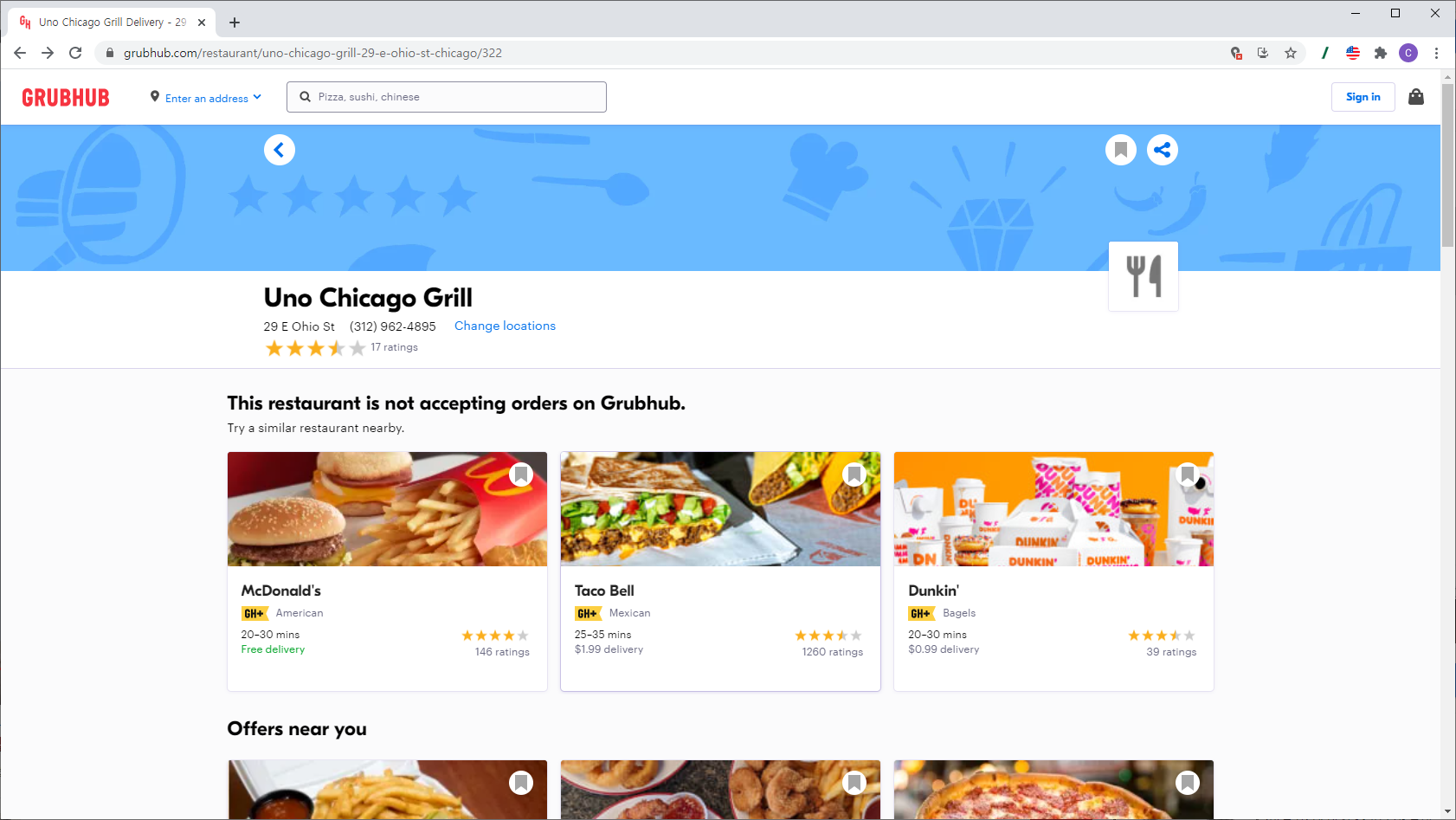
下方網址是美國的線上訂購外送網站,國內無法存取,但設定代理伺服器可以存取該網站並提取資料。
{% hint style="info" %}
**超簡單跟著做**
➡️ 資料提取 ➡️ 前往 DATABOARD ➡️ 點擊設定圖示 ➡️ 變更代理國家 ➡️ 儲存 ➡️ 重新提取
{% endhint %}
{% stepper %}
{% step %}
### 存取範例頁面後點擊全頁提取(WHOLE)按鈕。
國內無法存取的美國網站網址(範例):\
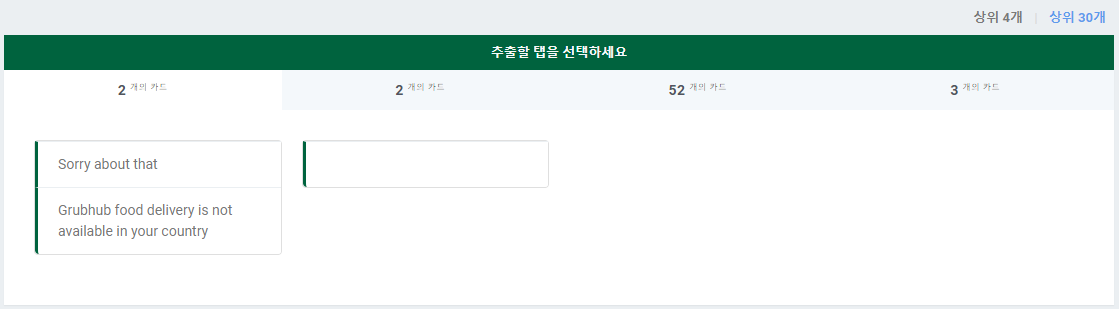
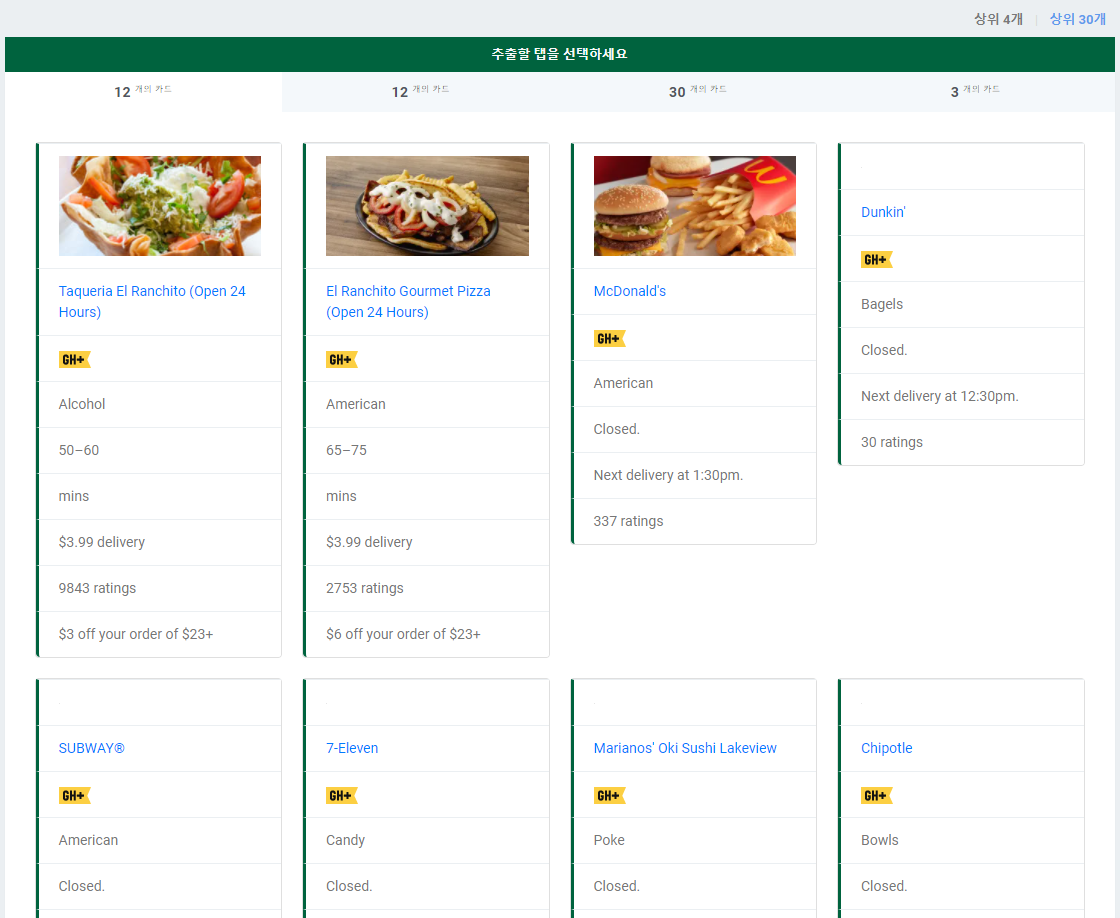
提取從韓國存取的頁面,只會提取連線失敗的頁面內容。
{% endstep %}
{% step %}
### DATABOARD → 點擊設定圖示 → 將 Listly 高級代理國家改為其他國家。
{% endstep %}
{% step %}
### 在資料面板按重新提取圖示重新提取資料。
為了好奇原始頁面是什麼樣子的人展示原始頁面。使用免費 VPN(美國)連線時,如下顯示該餐廳菜單、周邊推薦菜單等。
{% endstep %}
{% endstepper %}
***
### 其他代理設定方法
* **我的個人代理(My Proxy)**\
向 LISTLY 團隊請求時,可以代購不是公用伺服器而是只有個人可以使用的代理伺服器,並設定為像 Listly 高級代理一樣使用。代理伺服器的國家、數量等可以協商決定,費用另外收費。
---
# Agent Instructions
This documentation is published with GitBook. GitBook is the documentation platform designed so that both humans and AI agents can read, navigate, and reason over technical content effectively. Learn more at gitbook.com.
## Querying This Documentation
If you need additional information that is not directly available in this page, you can query the documentation dynamically by asking a question.
Perform an HTTP GET request on the current page URL with the `ask` query parameter, and the optional `goal` query parameter:
```
GET https://help.listly.io/docs/zh-hant/getting-started/databoard-features/settings-proxy-zh-hant.md?ask=&goal=
```
`ask` is the immediate question: it should be specific, self-contained, and written in natural language.
`goal` is optional and describes the broader end goal you are ultimately trying to accomplish on behalf of the user. GitBook uses it to tailor the answer towards what is most useful for that goal.
The response will contain a direct answer to the question and relevant excerpts and sources from the documentation.
Use this mechanism when the answer is not explicitly present in the current page, you need clarification or additional context, or you want to retrieve related documentation sections.