> For the complete documentation index, see [llms.txt](https://help.listly.io/llms.txt). Markdown versions of documentation pages are available by appending `.md` to page URLs; this page is available as [Markdown](https://help.listly.io/docs/zh-hant/support/solutions-by-extraction-error-message-zh-hant/pai-cheng-xie-qu-xian-shi-zheng-chang-qie-wu-wen-ti-de-hua-mian.md).
# \[排程擷取] 顯示正常且無問題的畫面。
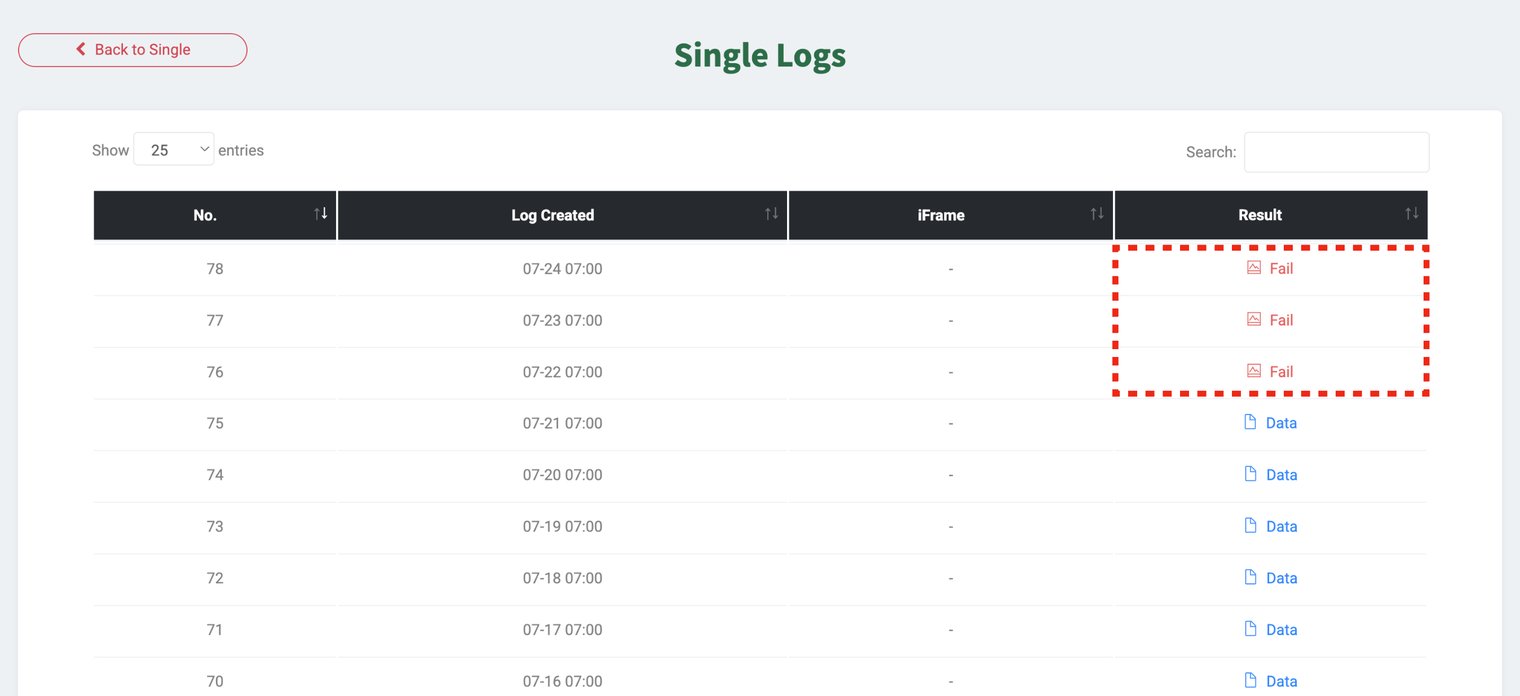
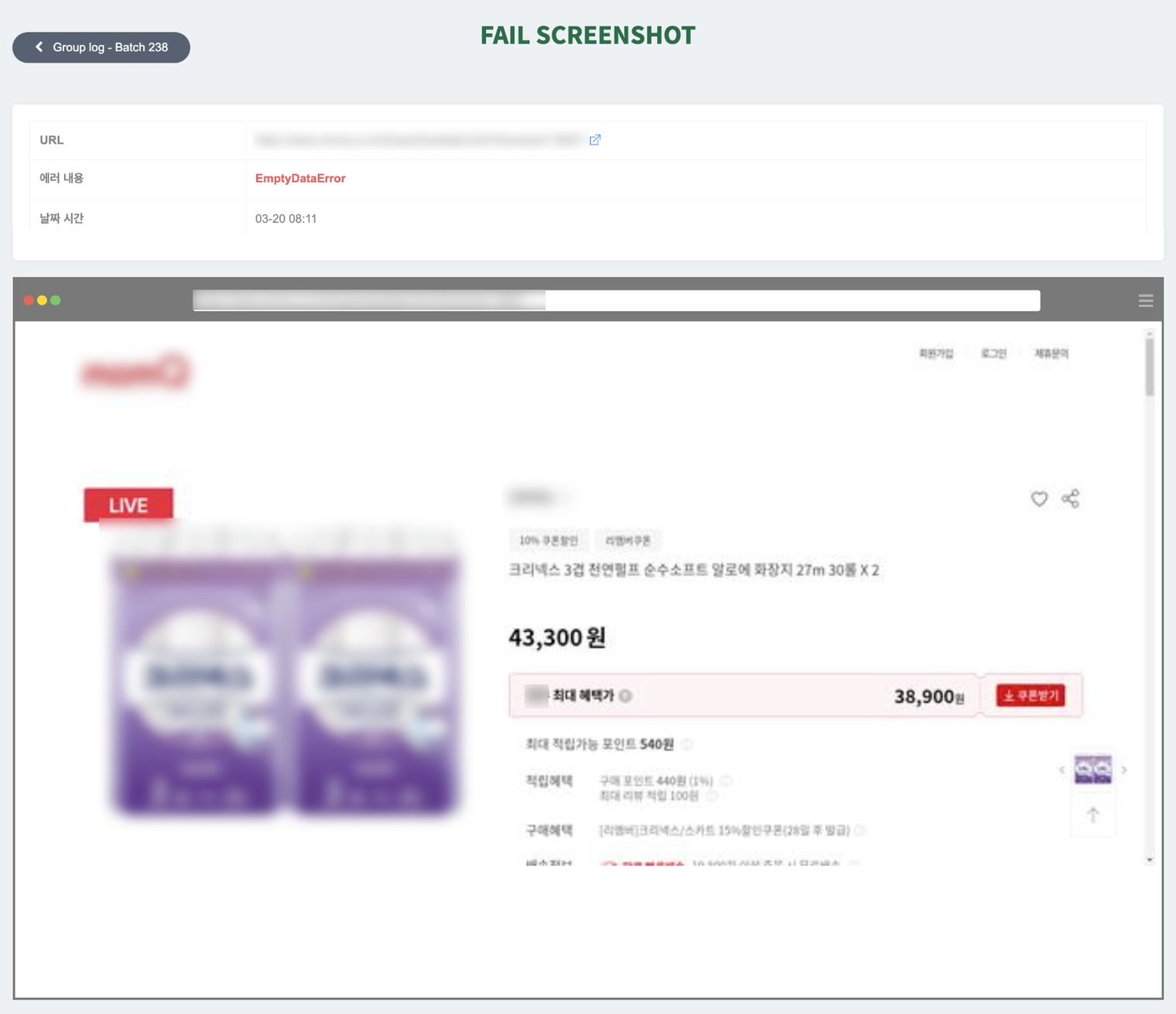
此說明指南適用於排程功能**已設定重複提取**的任務,**之前成功提取的頁面**突然提取失敗時。在錯誤截圖中**即使目標頁面看起來正常**但沒有收集到資料,這表示**初次設定時指定的資料位置(結構)已改變,或該區域已不存在**。在這種情況下,我們建議重新選擇該頁面上的資料並註冊為新任務。
#### ✅ 解決方案
以下描述的選擇方法並非所有情況的建議。本指南**當現有提取失敗時**,提供提高新任務成功率的參考提示。對於結構簡單的網站,即使選擇多個詳細區域,仍然可以正常收集資料。
{% stepper %}
{% step %}
### 重新選擇並提取
存取頁面,**重新選擇資料並提取**,然後以新任務註冊。這能讓系統針對目前頁面結構建立新的選擇規則。
{% endstep %}
{% step %}
### 使用 Parts 時選擇較高階的元素
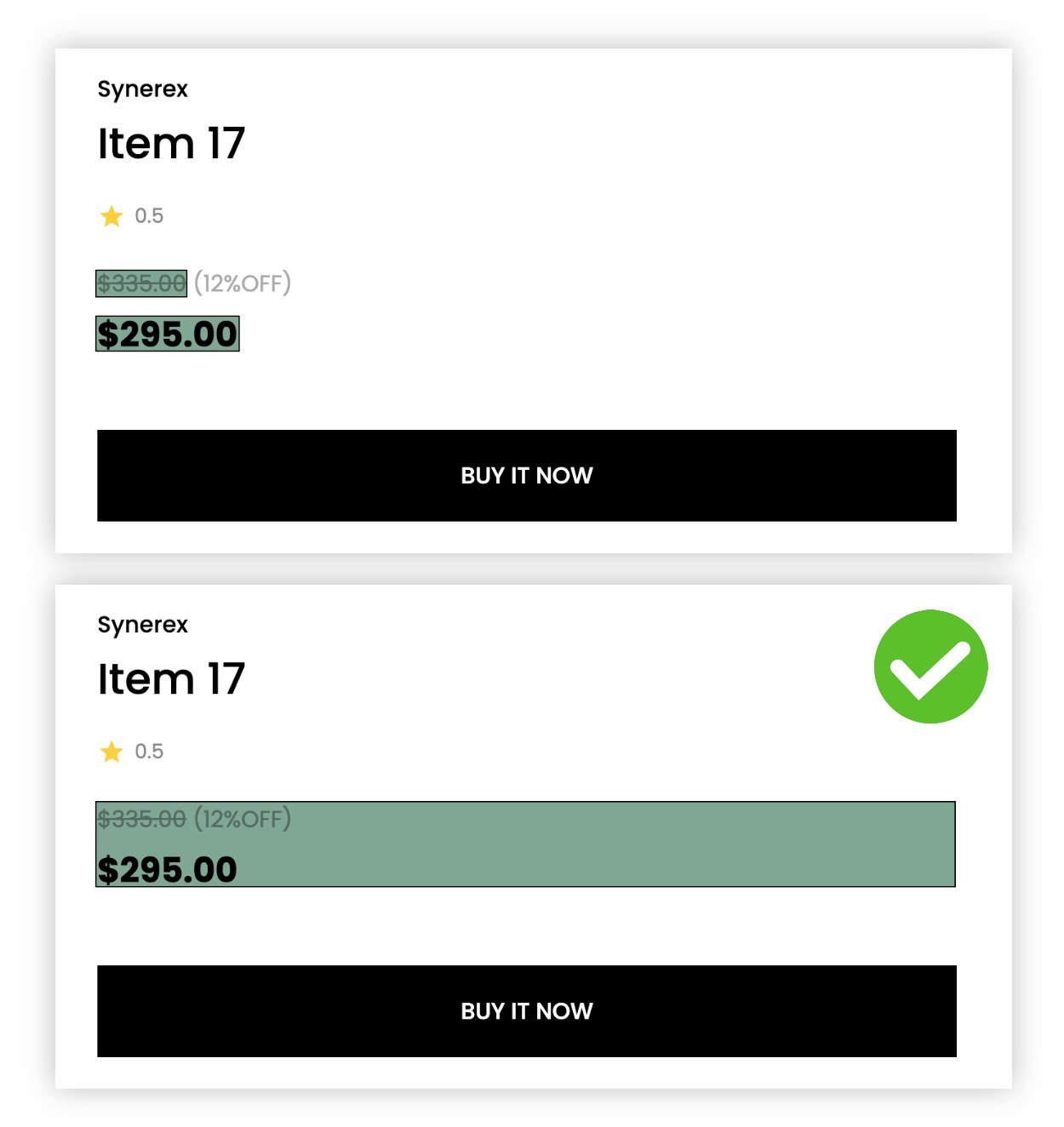
如果您想使用 Parts 指定區域進行提取,建議選擇較高的元素(即較大的區域)。選擇較高階、包含整個區塊的元素可以減少重複提取時因微小結構變動造成的失敗機率。
{% endstep %}
{% endstepper %}
{% hint style="success" %}
**即使嘗試了所有建議的方法後問題仍然持續,請聯絡** [**hello@listly.io**](mailto:hello@listly.io)**。我們將在準確診斷原因後協助您解決問題。**
{% endhint %}
---
# Agent Instructions
This documentation is published with GitBook. GitBook is the documentation platform designed so that both humans and AI agents can read, navigate, and reason over technical content effectively. Learn more at gitbook.com.
## Querying This Documentation
If you need additional information that is not directly available in this page, you can query the documentation dynamically by asking a question.
Perform an HTTP GET request on the current page URL with the `ask` query parameter, and the optional `goal` query parameter:
```
GET https://help.listly.io/docs/zh-hant/support/solutions-by-extraction-error-message-zh-hant/pai-cheng-xie-qu-xian-shi-zheng-chang-qie-wu-wen-ti-de-hua-mian.md?ask=&goal=
```
`ask` is the immediate question: it should be specific, self-contained, and written in natural language.
`goal` is optional and describes the broader end goal you are ultimately trying to accomplish on behalf of the user. GitBook uses it to tailor the answer towards what is most useful for that goal.
The response will contain a direct answer to the question and relevant excerpts and sources from the documentation.
Use this mechanism when the answer is not explicitly present in the current page, you need clarification or additional context, or you want to retrieve related documentation sections.