> For the complete documentation index, see [llms.txt](https://help.listly.io/llms.txt). Markdown versions of documentation pages are available by appending `.md` to page URLs; this page is available as [Markdown](https://help.listly.io/getting-started/databoard-features/folder-group-extraction.md).
# Folder Group Extraction
## What is Folder Group Extraction?
**A feature that gathers data extracted from individual pages into one folder and exports it as a single Excel file.** You can use this even when group extraction is difficult—such as when pages require login or can't be directly accessed by entering a URL.
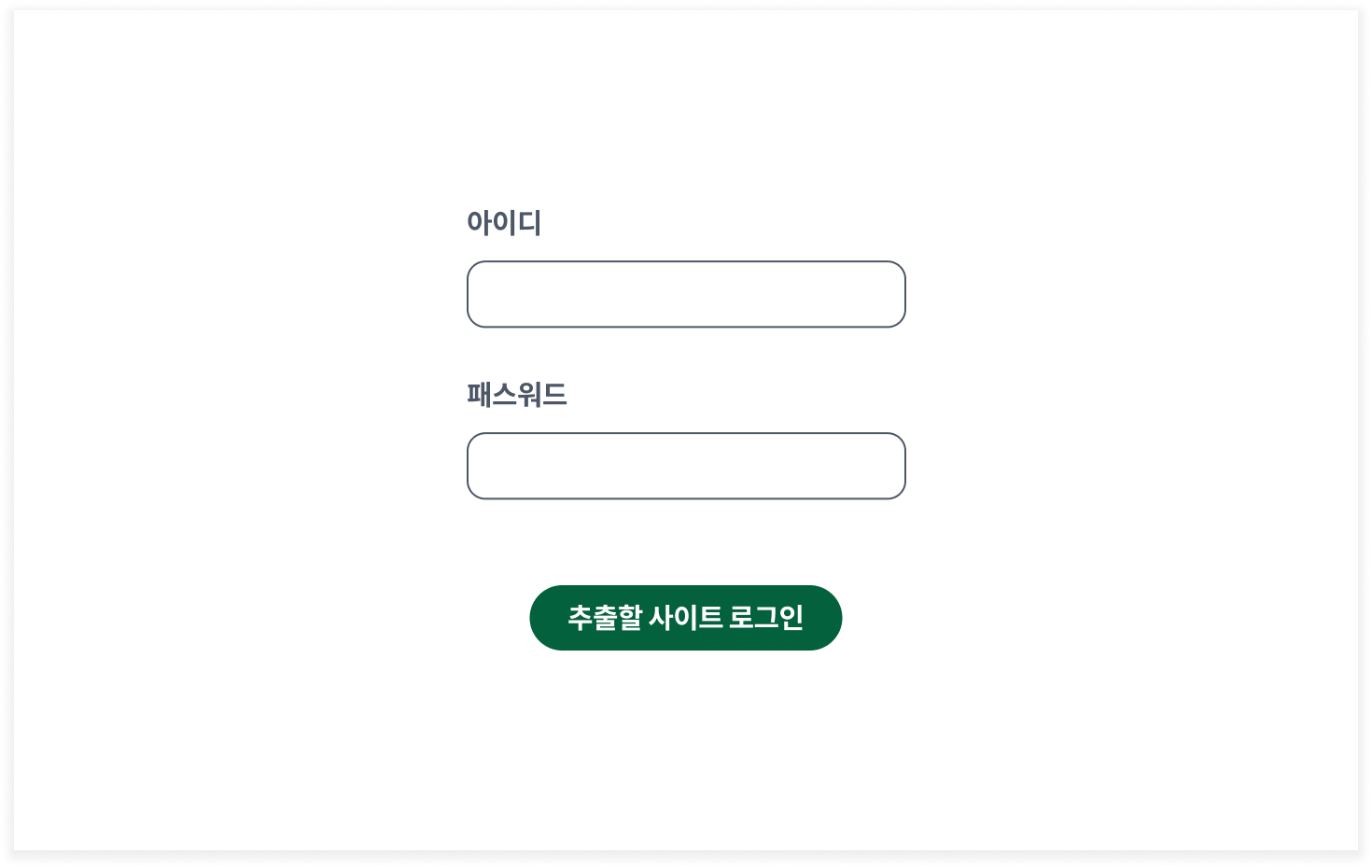
For example, while regular public pages can be extracted through group extraction, **private pages that require login or can't be accessed via URL** cannot be extracted using regular group extraction. In these cases, you can extract data using the folder group extraction feature.
{% hint style="success" %}
**Common Use Cases**
* **Private pages ⇒ Folder group extraction**: Unlike public pages that Listly can visit directly (regular group extraction), Listly cannot visit private pages on your behalf. Therefore, you need to visit those pages yourself to extract data, then group them together for extraction.
* [**Tabs Extraction**](/getting-started/extension-features/extract-tabs.md): Automatically collect and extract data extracted simultaneously from multiple tabs into a folder.
{% endhint %}
{% hint style="info" %}
**Quick Start**
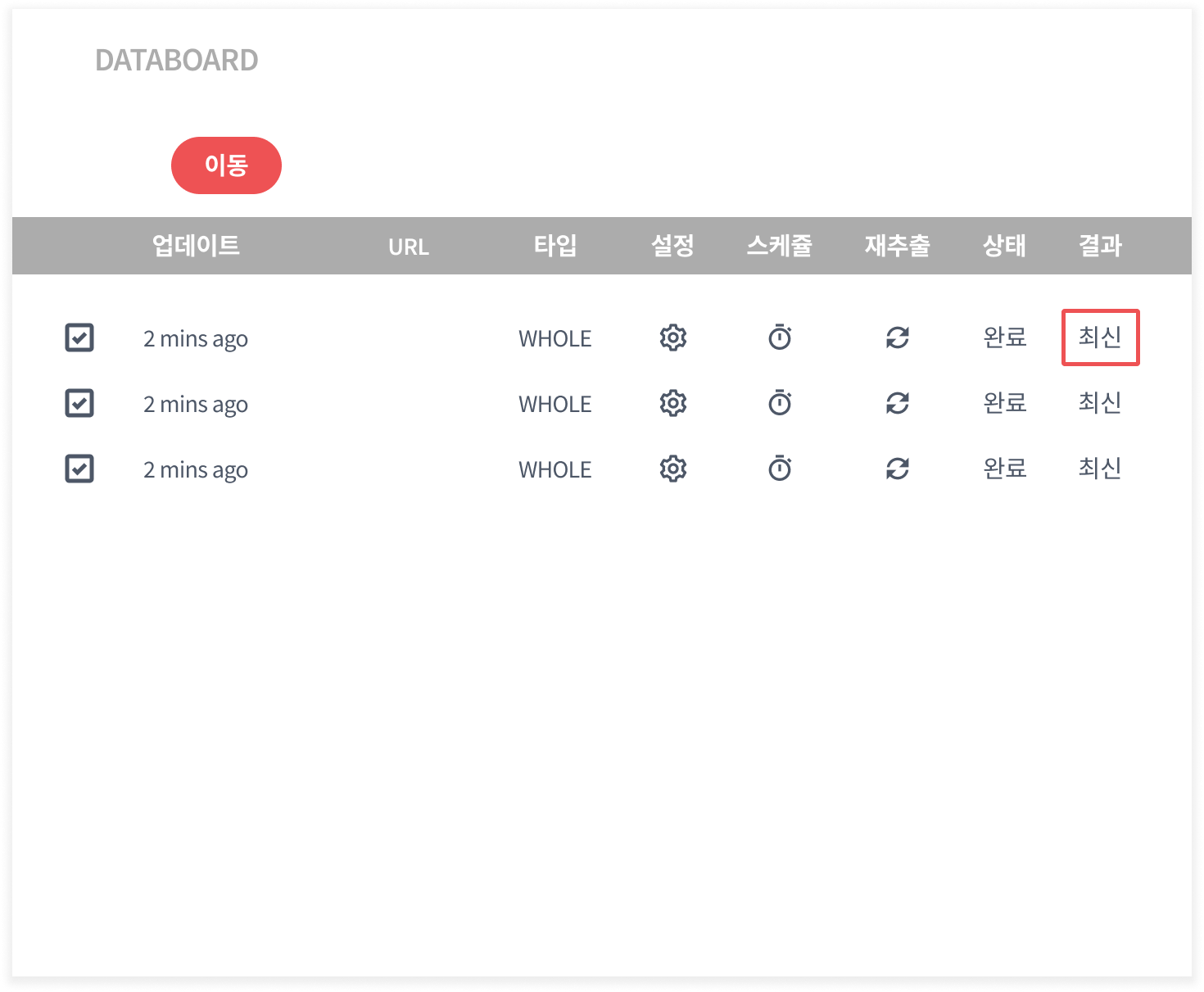
➡️ Extract data manually ➡️ Create folder group ➡️ Move extracted data to folder ➡️ Download folder group
{% endhint %}
{% stepper %}
{% step %}
### Log in and extract the first page.
{% endstep %}
{% step %}
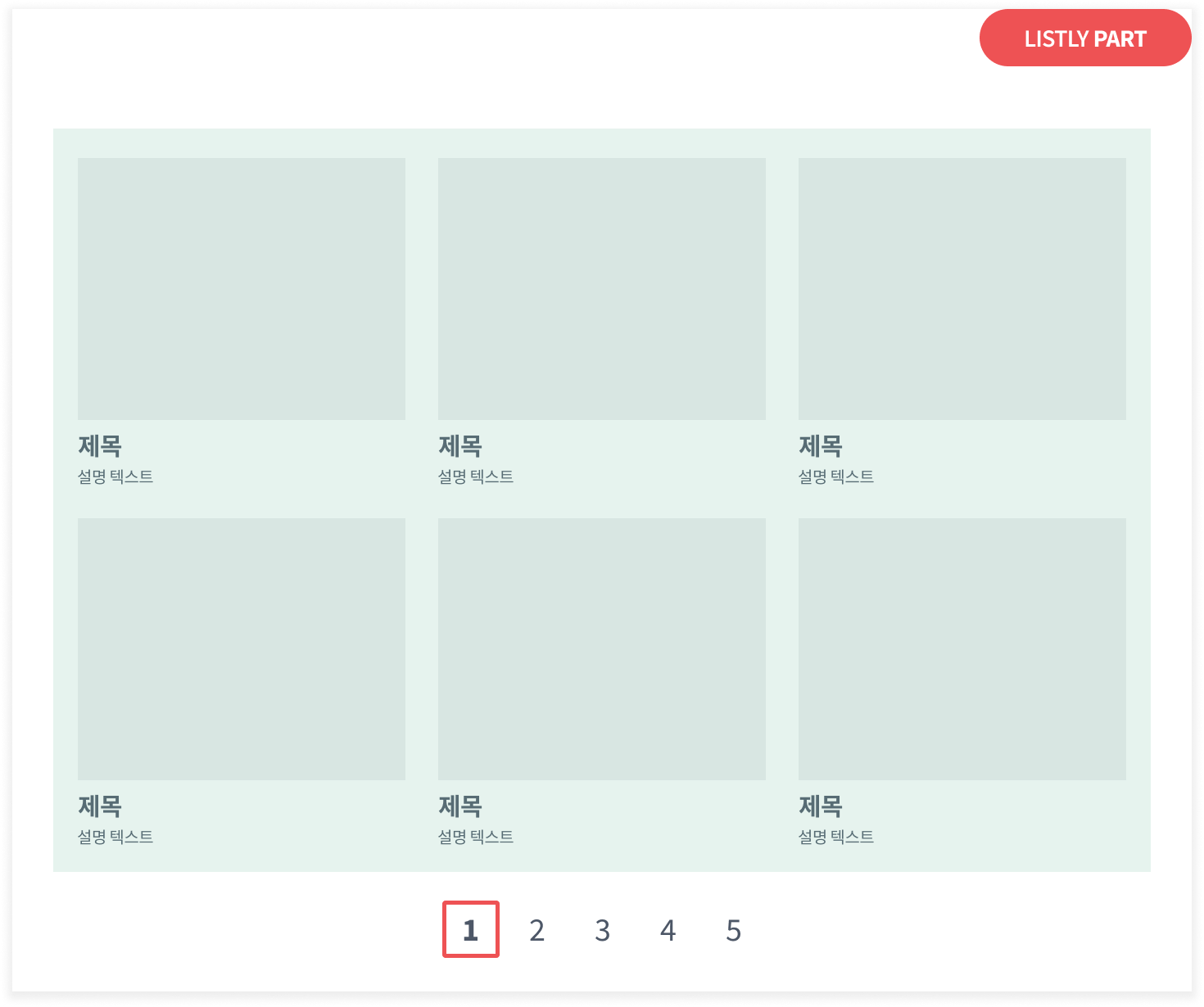
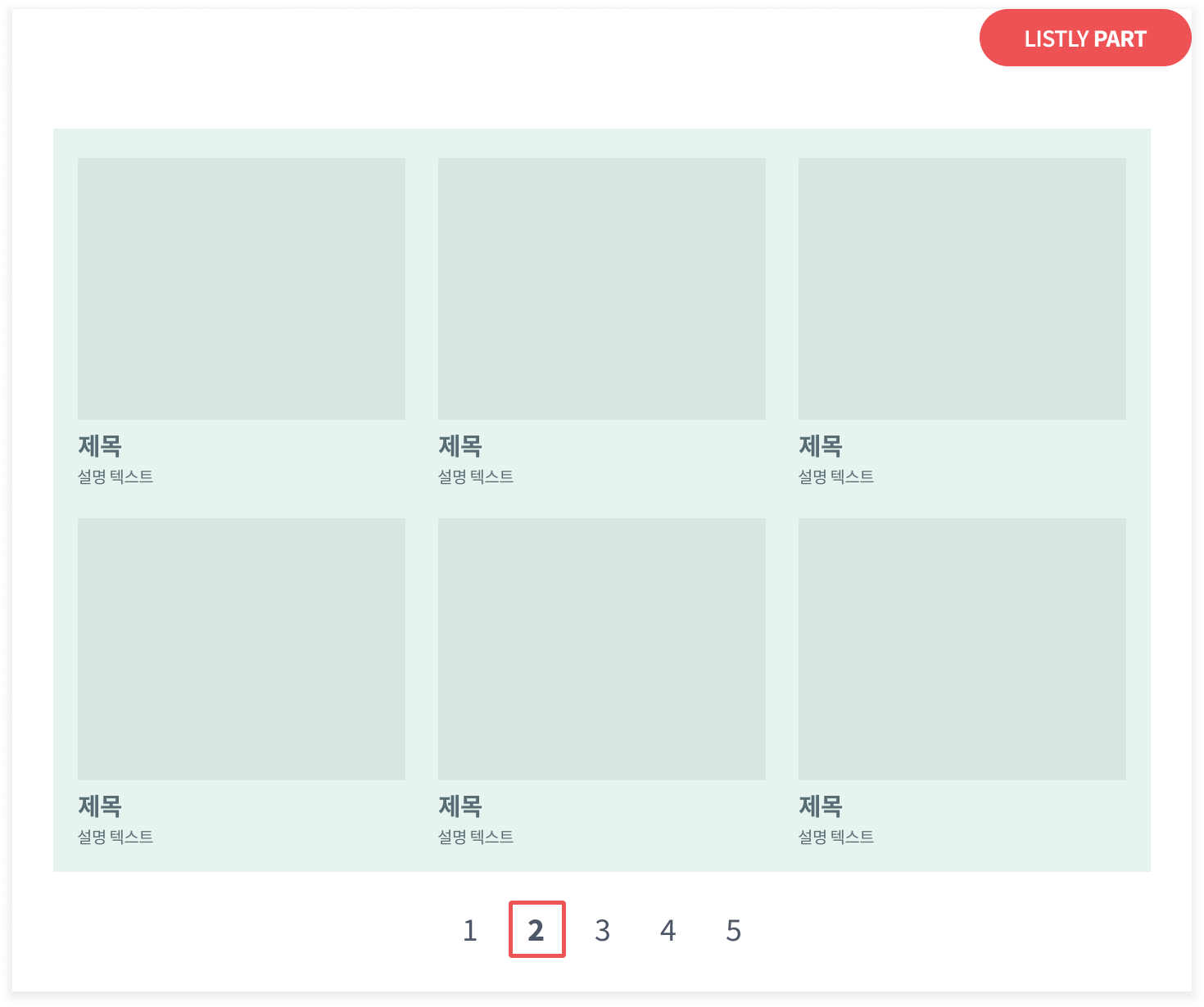
### Extract the second, third, fourth... pages one at a time until you reach your desired page.
{% endstep %}
{% step %}
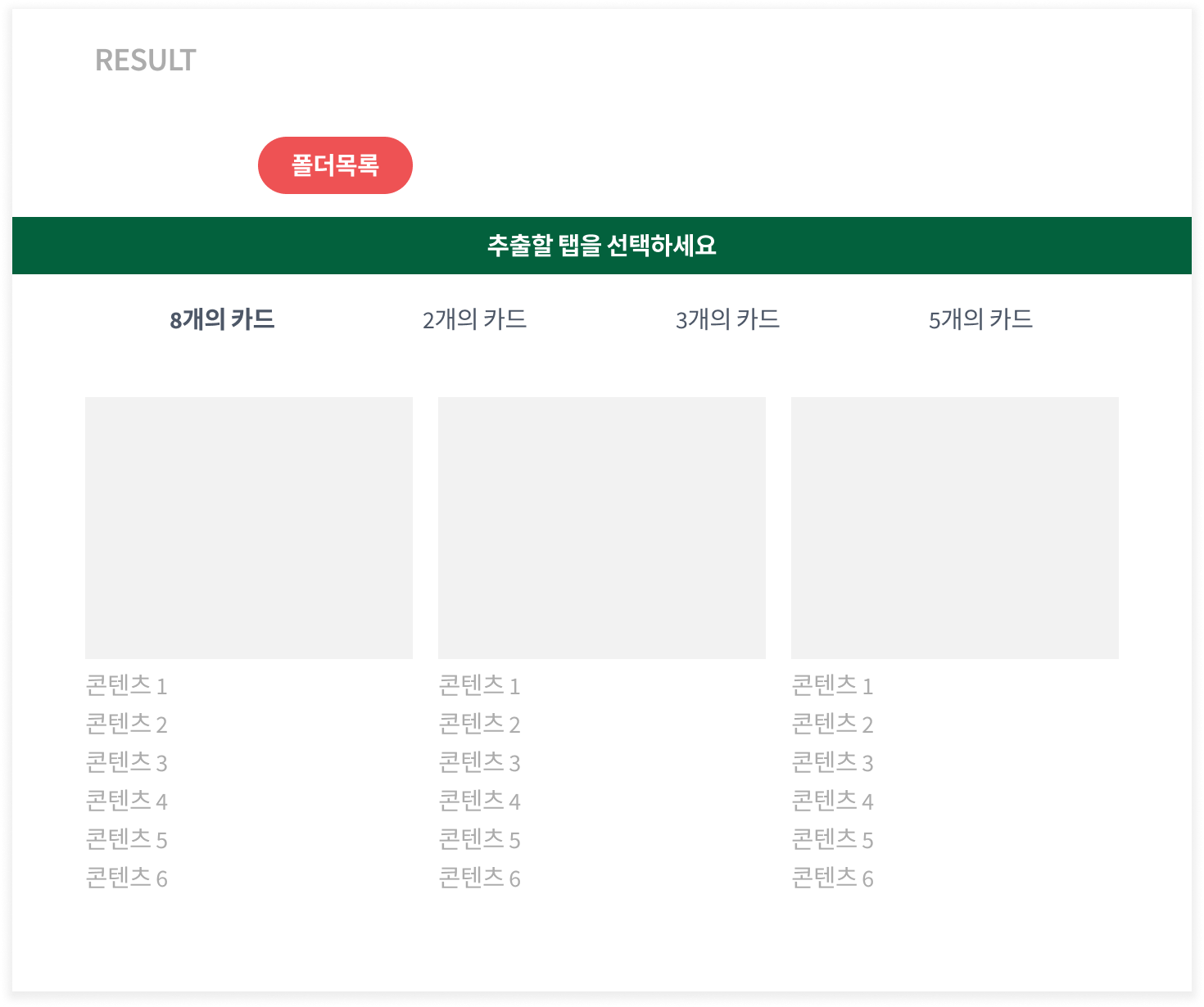
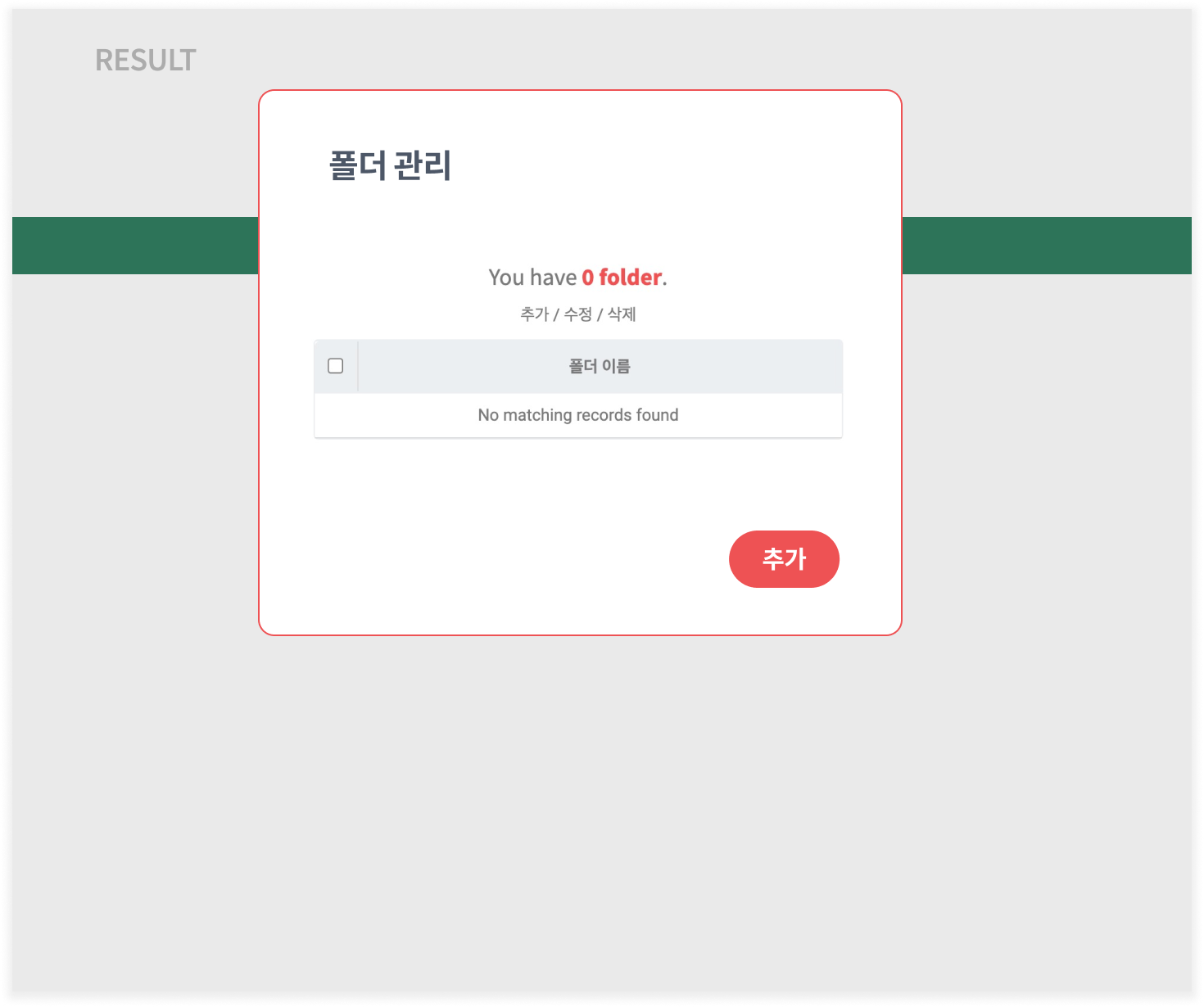
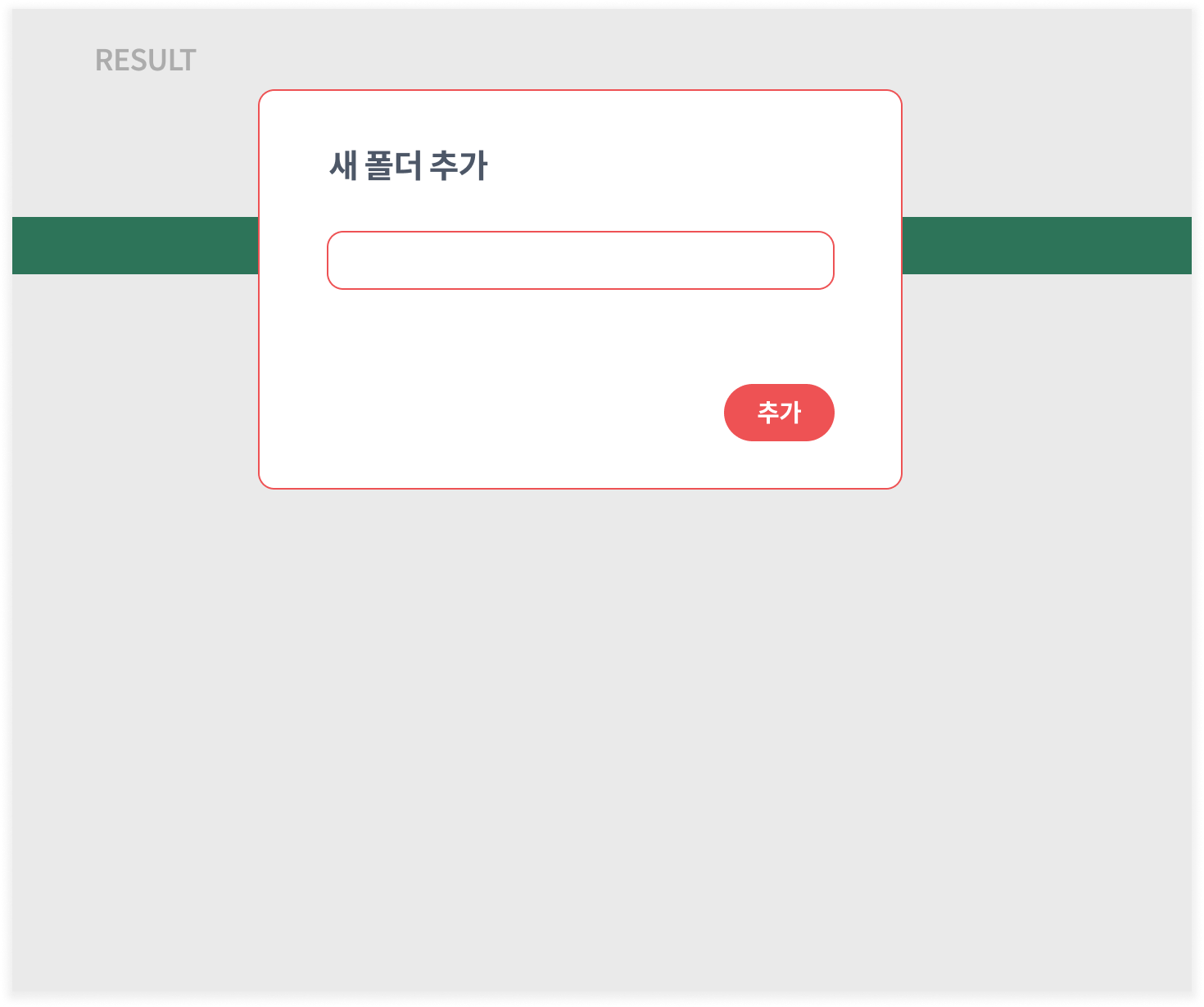
### Click Folder List → Add to create a new folder.
{% endstep %}
{% step %}
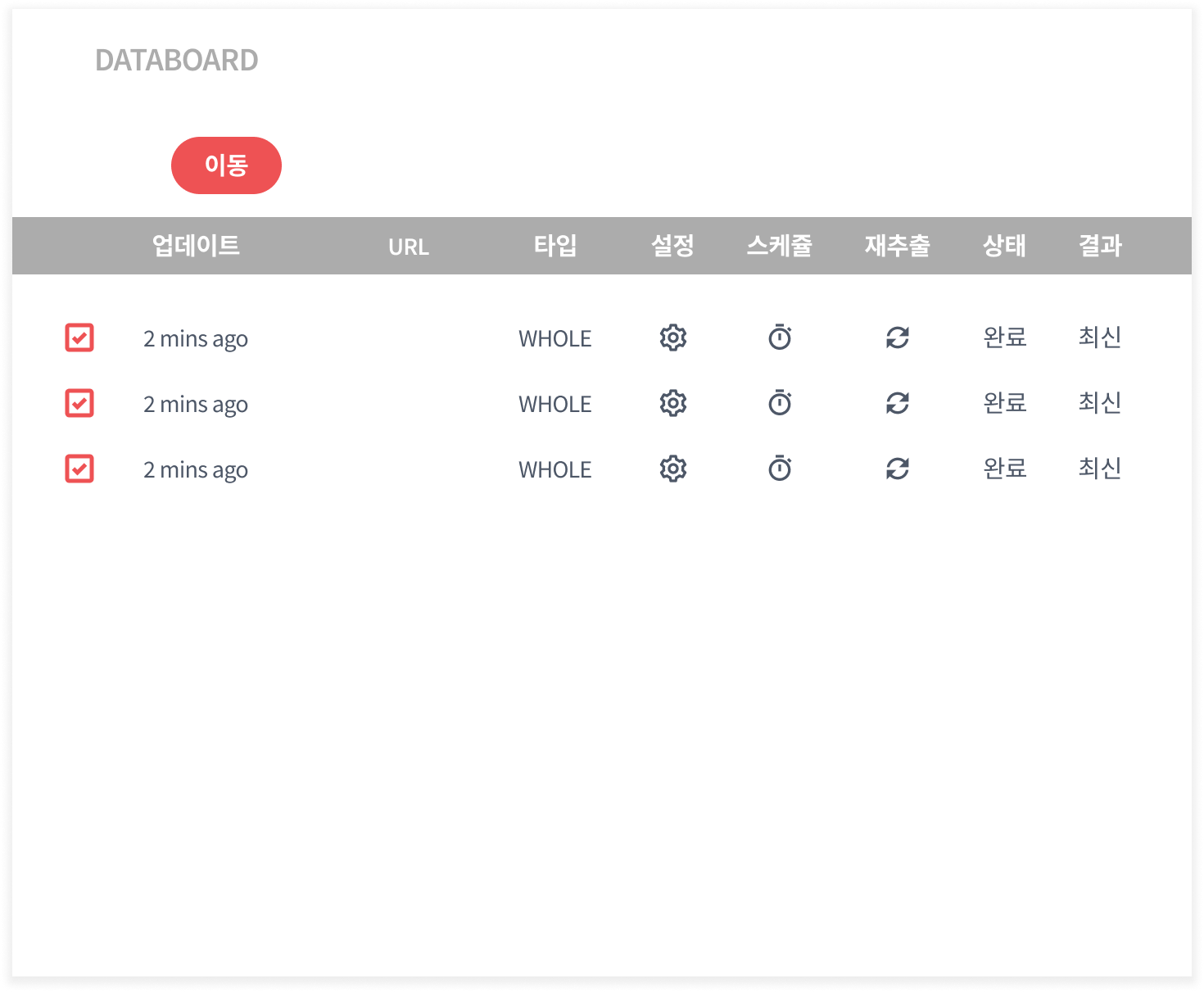
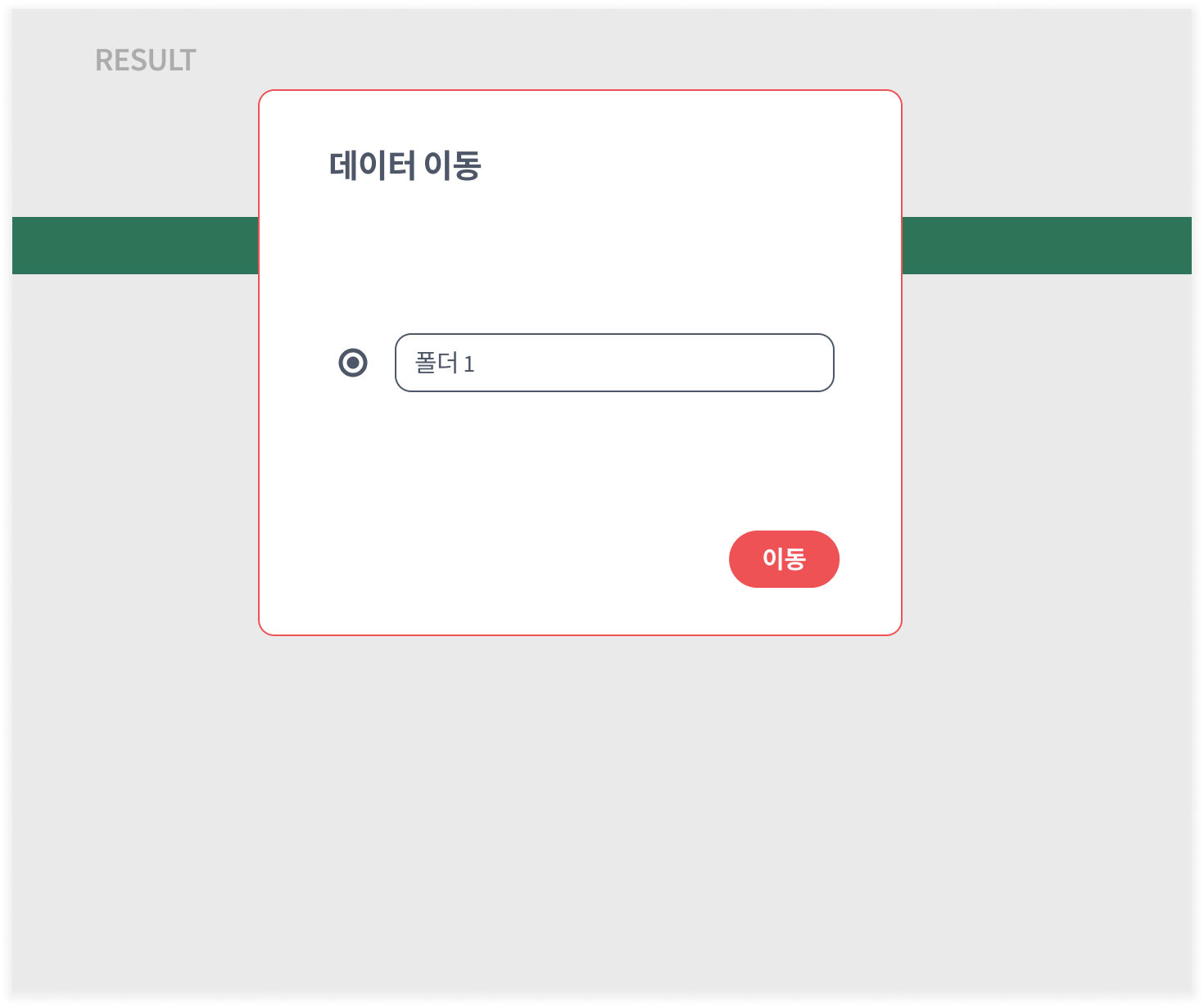
### Select the data you just extracted and click Move to transfer it to the newly created folder.
{% endstep %}
{% step %}
### Open one of the extracted results.
{% endstep %}
{% step %}
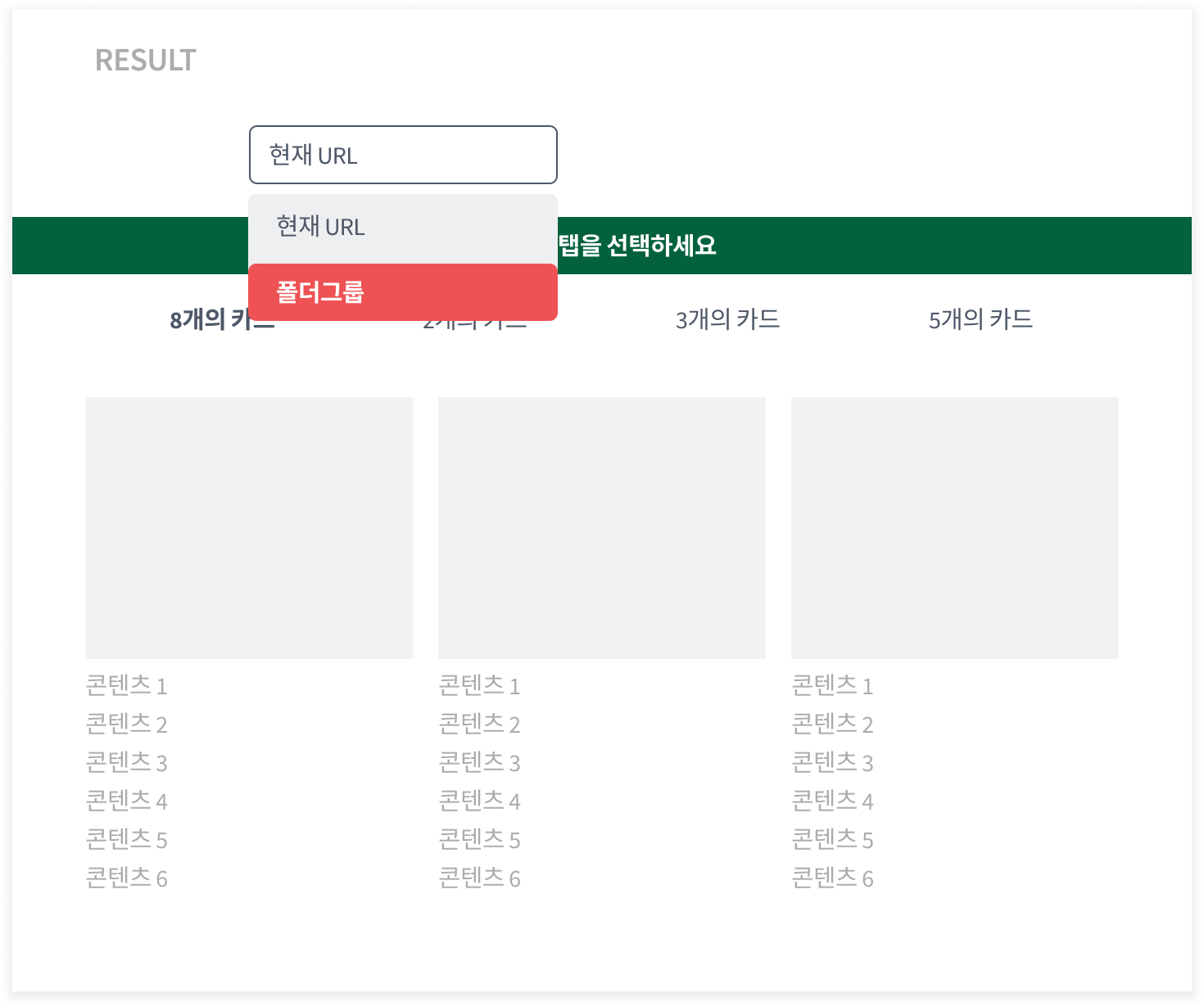
### Change the Current URL option to Folder Group.
{% endstep %}
{% step %}
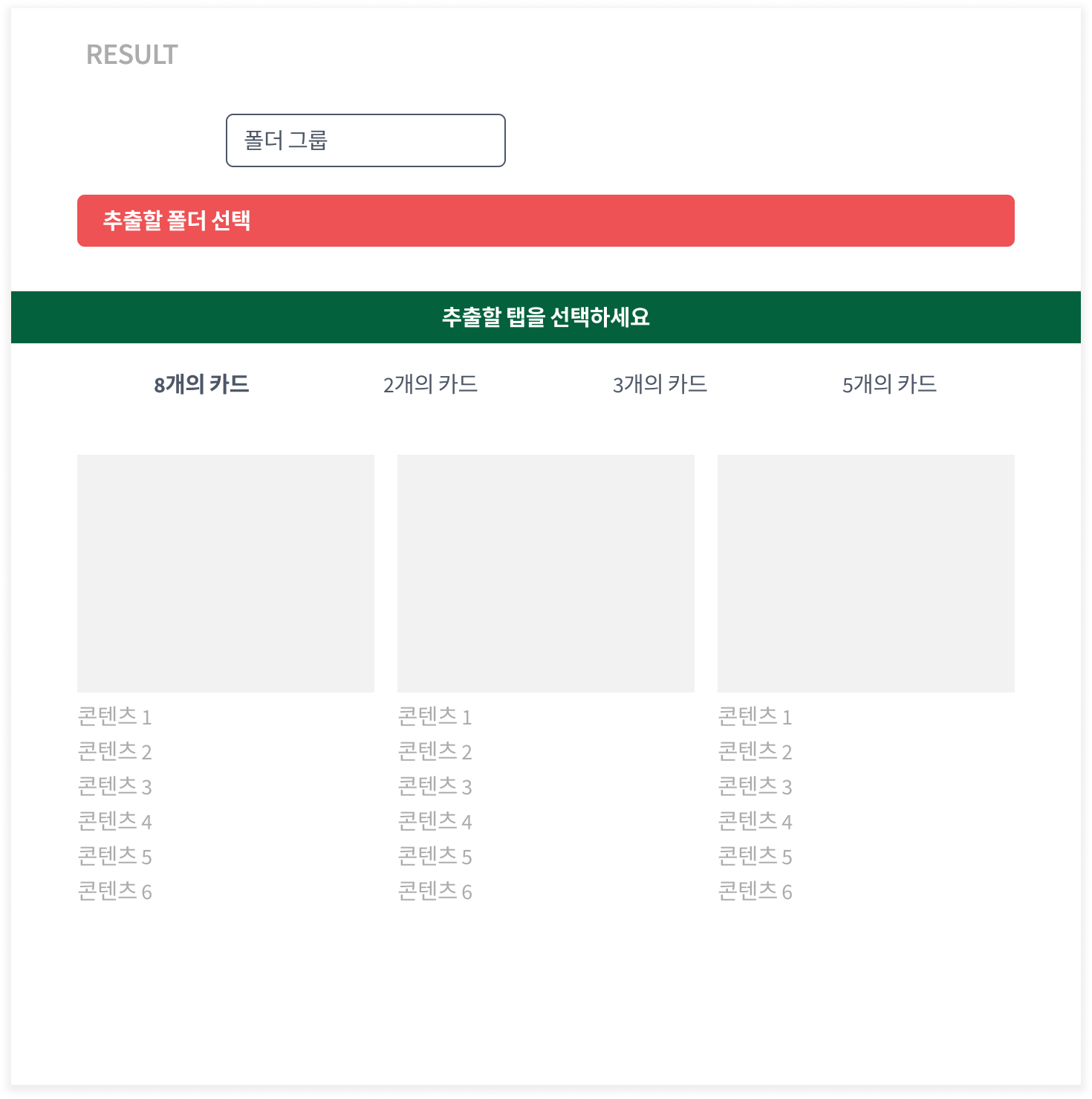
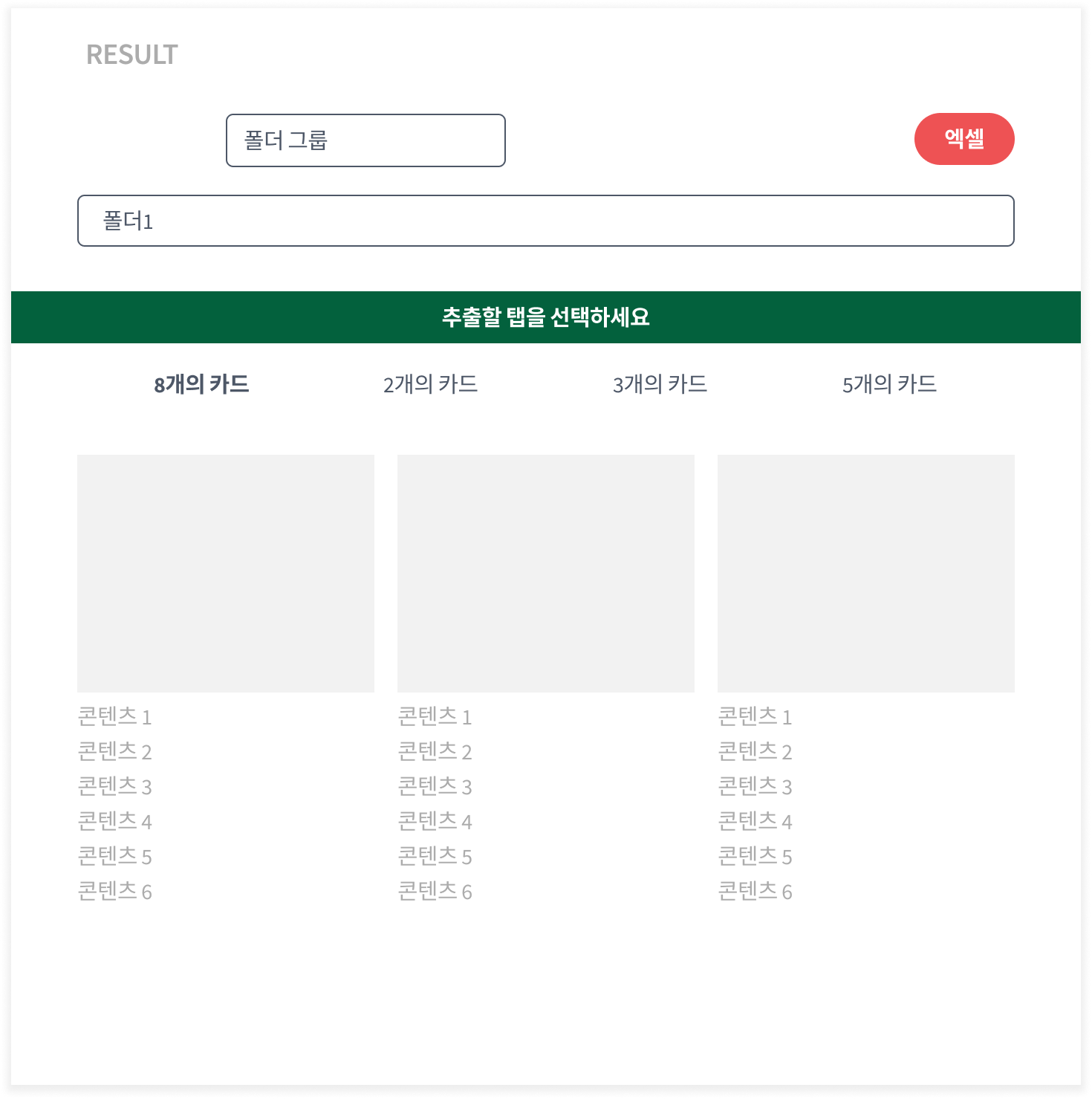
### Select your desired folder, then click the Excel button to download.
{% endstep %}
{% endstepper %}
{% hint style="warning" %}
**Important Notes**
* If tasks with **different structures** are mixed together, **the Excel file will not be generated correctly**. All tasks within a folder must have the **same structure**.
* Folders can be used not only for downloads but also for **organizing your Databoard**.
{% endhint %}
---
# Agent Instructions
This documentation is published with GitBook. GitBook is the documentation platform designed so that both humans and AI agents can read, navigate, and reason over technical content effectively. Learn more at gitbook.com.
## Querying This Documentation
If you need additional information that is not directly available in this page, you can query the documentation dynamically by asking a question.
Perform an HTTP GET request on the current page URL with the `ask` query parameter, and the optional `goal` query parameter:
```
GET https://help.listly.io/getting-started/databoard-features/folder-group-extraction.md?ask=&goal=
```
`ask` is the immediate question: it should be specific, self-contained, and written in natural language.
`goal` is optional and describes the broader end goal you are ultimately trying to accomplish on behalf of the user. GitBook uses it to tailor the answer towards what is most useful for that goal.
The response will contain a direct answer to the question and relevant excerpts and sources from the documentation.
Use this mechanism when the answer is not explicitly present in the current page, you need clarification or additional context, or you want to retrieve related documentation sections.