> For the complete documentation index, see [llms.txt](https://help.listly.io/llms.txt). Markdown versions of documentation pages are available by appending `.md` to page URLs; this page is available as [Markdown](https://help.listly.io/getting-started/databoard-features/screenshot.md).
# Screenshot
## What is Screenshot?
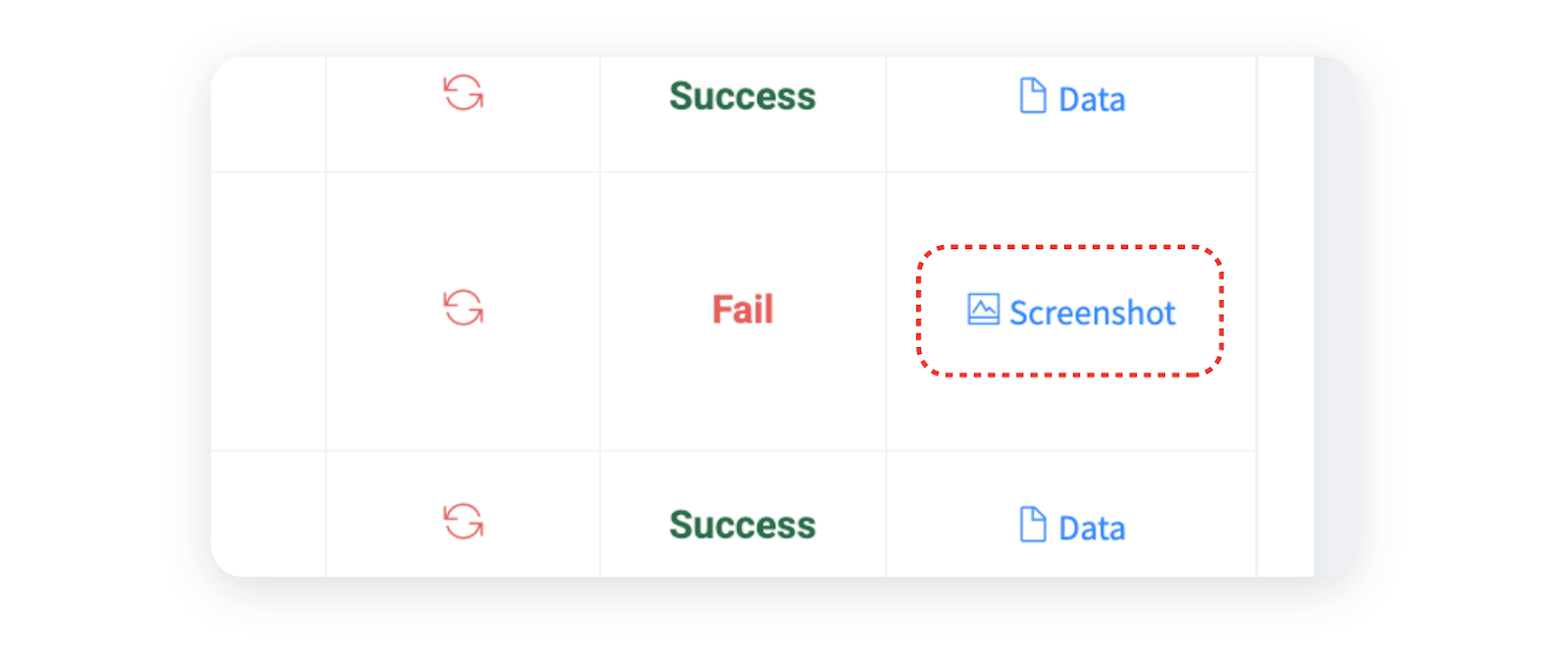
When data extraction fails, **screenshots are automatically generated** so you can identify the cause. The page status at the time of failure and error codes are provided together, which is a huge help in diagnosing the problem.
***
## Screenshot Page Layout
{% columns %}
{% column %}
{% endcolumn %}
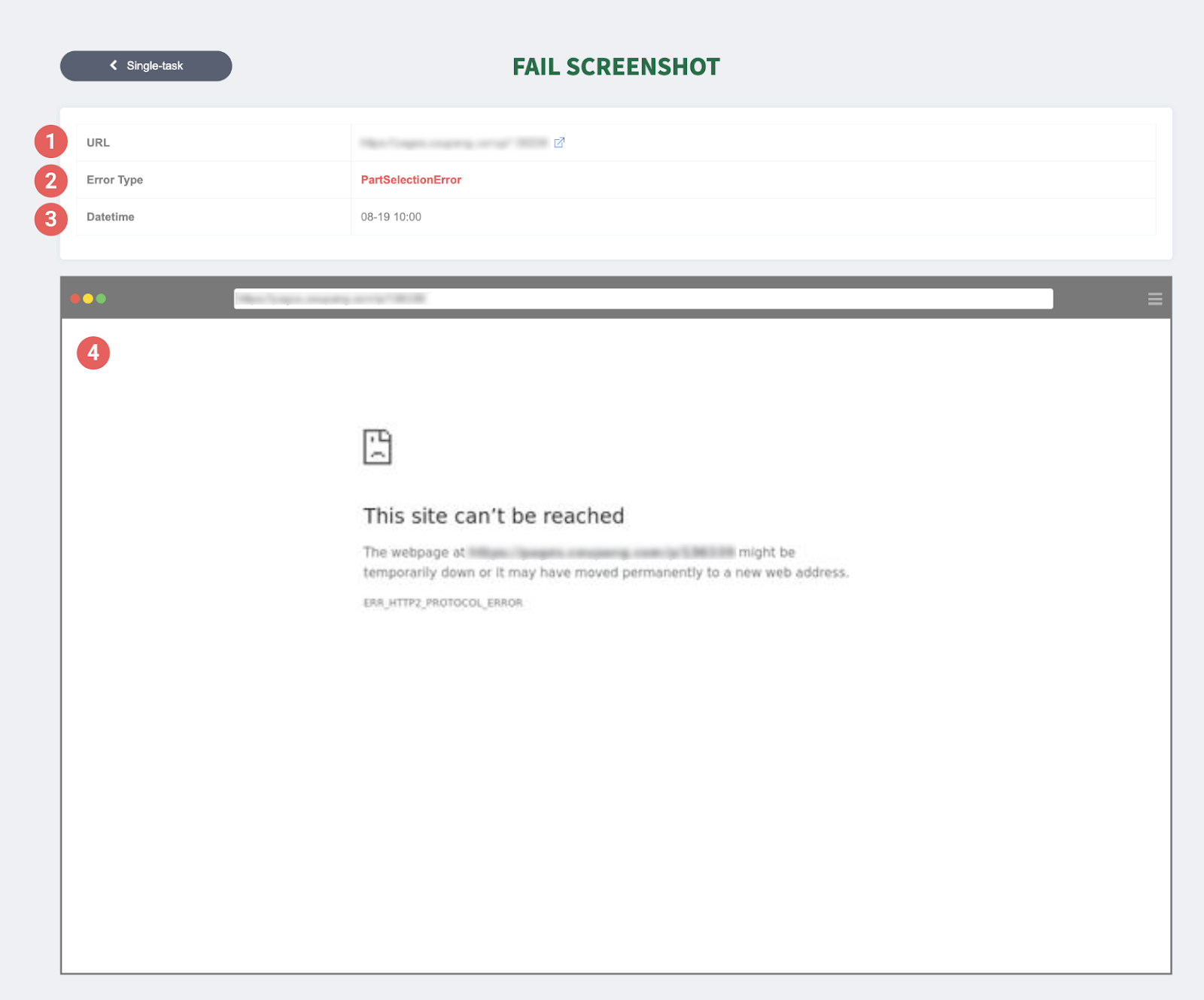
{% column %} ➊ URL: The website address where extraction was attempted.
➋ Error details: Displays the error code that occurred.
➌ Date Time: Indicates when the error occurred.
➍ Screenshot: A capture of the screen at the time of failure—the most important clue for identifying the cause. In the example screen above, you can see that extraction failed because access to the website was blocked and didn't connect to a normal page.
{% endcolumn %}
{% endcolumns %}
***
## Using Screenshots
{% hint style="success" %}
**How to use screenshots**
Screenshots help you quickly diagnose the cause of extraction failures. When data extraction fails, check the screenshot and take appropriate action right away. Common failure causes and solutions can be found in the help documentation below.
**Reference documentation**: [Solutions by Extraction Failure Message](https://help.listly.io/docs/ko/support/troubleshooting)
{% endhint %}
---
# Agent Instructions
This documentation is published with GitBook. GitBook is the documentation platform designed so that both humans and AI agents can read, navigate, and reason over technical content effectively. Learn more at gitbook.com.
## Querying This Documentation
If you need additional information that is not directly available in this page, you can query the documentation dynamically by asking a question.
Perform an HTTP GET request on the current page URL with the `ask` query parameter, and the optional `goal` query parameter:
```
GET https://help.listly.io/getting-started/databoard-features/screenshot.md?ask=&goal=
```
`ask` is the immediate question: it should be specific, self-contained, and written in natural language.
`goal` is optional and describes the broader end goal you are ultimately trying to accomplish on behalf of the user. GitBook uses it to tailor the answer towards what is most useful for that goal.
The response will contain a direct answer to the question and relevant excerpts and sources from the documentation.
Use this mechanism when the answer is not explicitly present in the current page, you need clarification or additional context, or you want to retrieve related documentation sections.