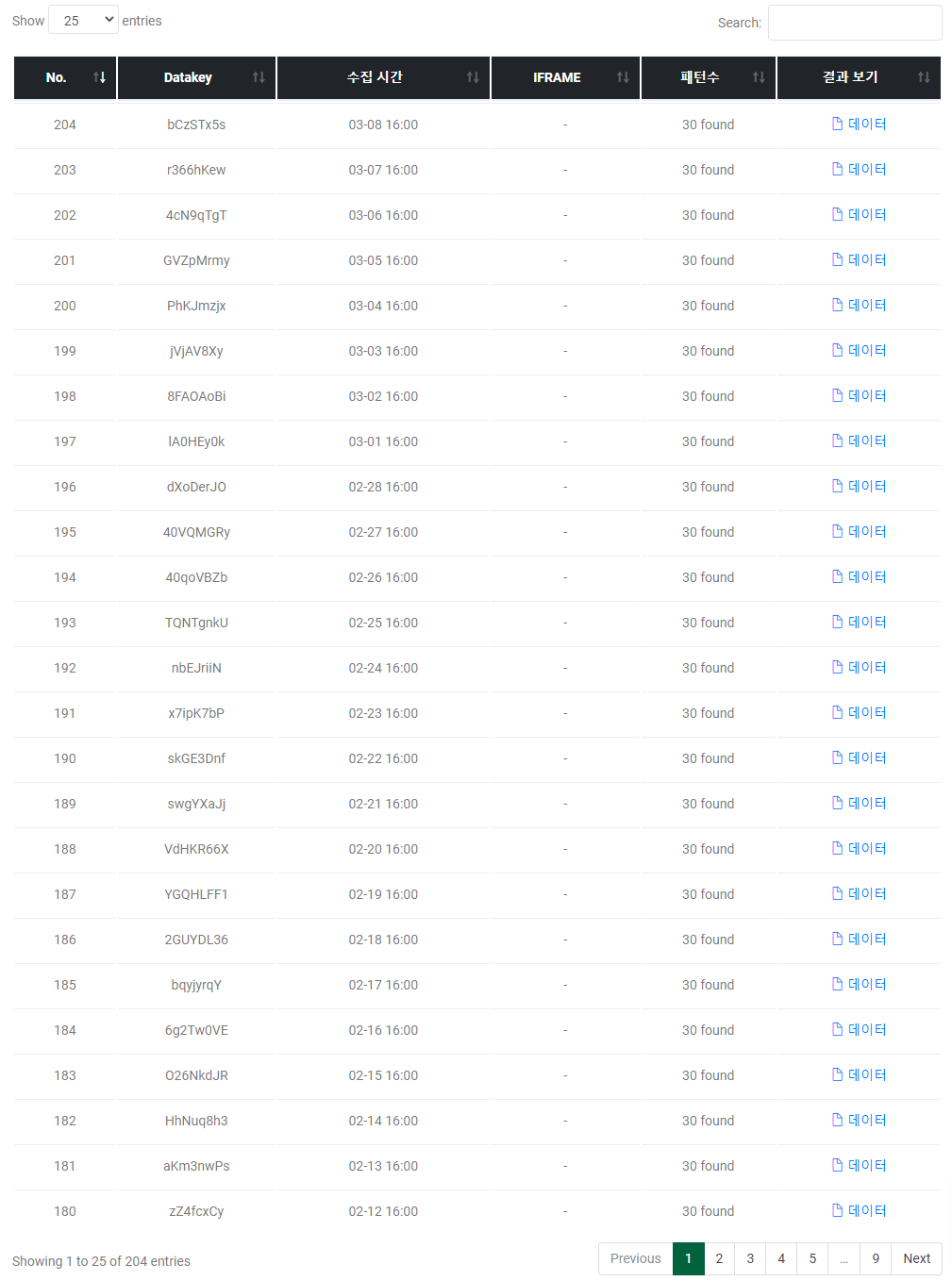
A feature for downloading collected information from multiple extractions (hourly, daily) all at once. Logs are created when you extract the same page more than twice. Use this feature to compile past data into a single Excel sheet.
Works the same as group extraction, but the Excel output varies depending on which data you select as the source. Sometimes when a page's design changes, previous information may appear as blank cells. In this case, refer to Log Group Extraction - When Blank Cells Appear in Excel.
Quick Start
1
Select the extraction to repeat (schedule recommended).
2
Select the result log.
3
Choose the data result you want to use as the source from accumulated logs.
4
Download the log Excel.
How to Use
Why do I need to select a representative data for the Log API?
The Log API needs a source data as a reference for organizing data. This is because you haven't explicitly specified which data to extract. When you select one log data, it becomes the source and is compared with other log data.