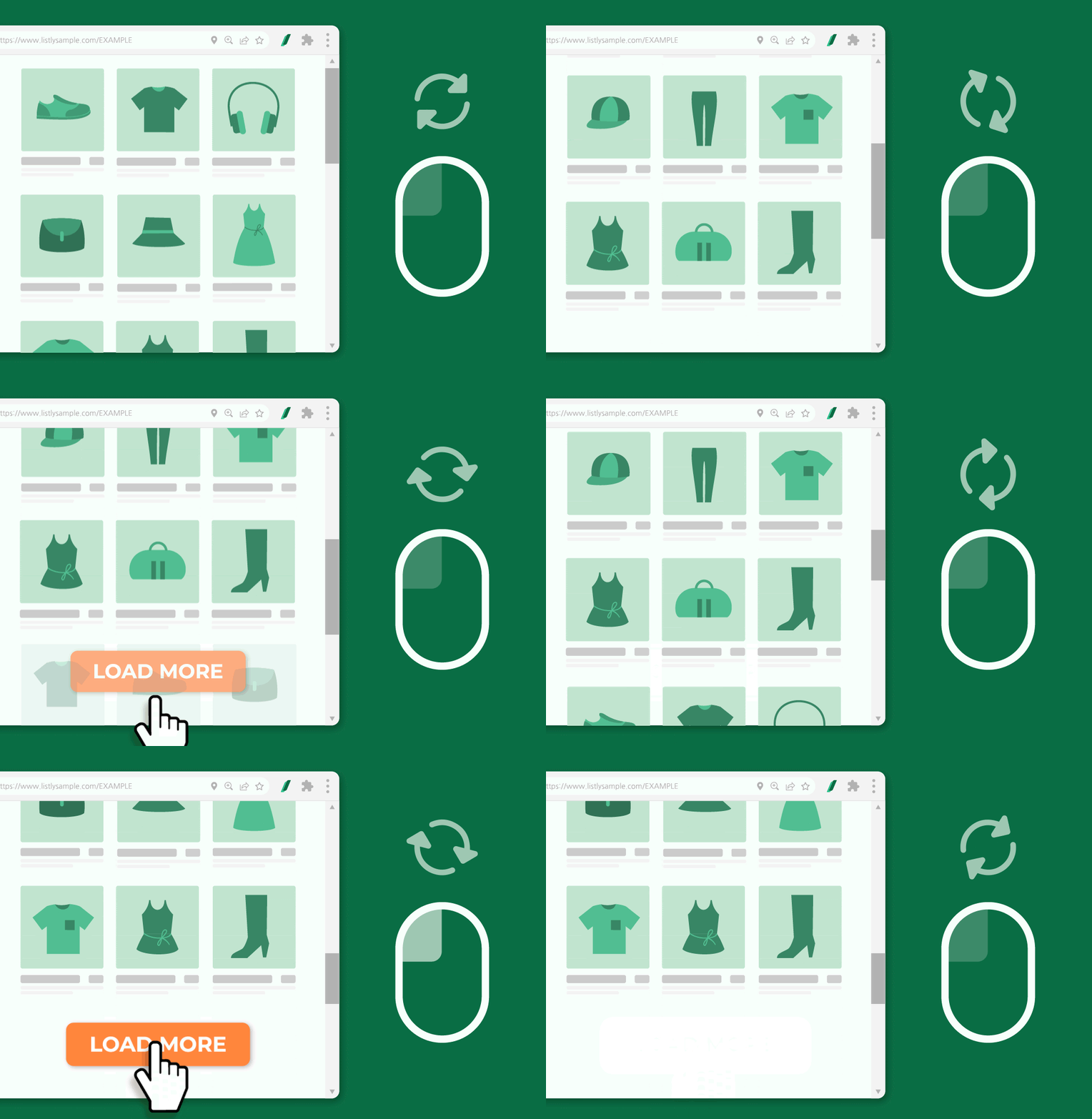
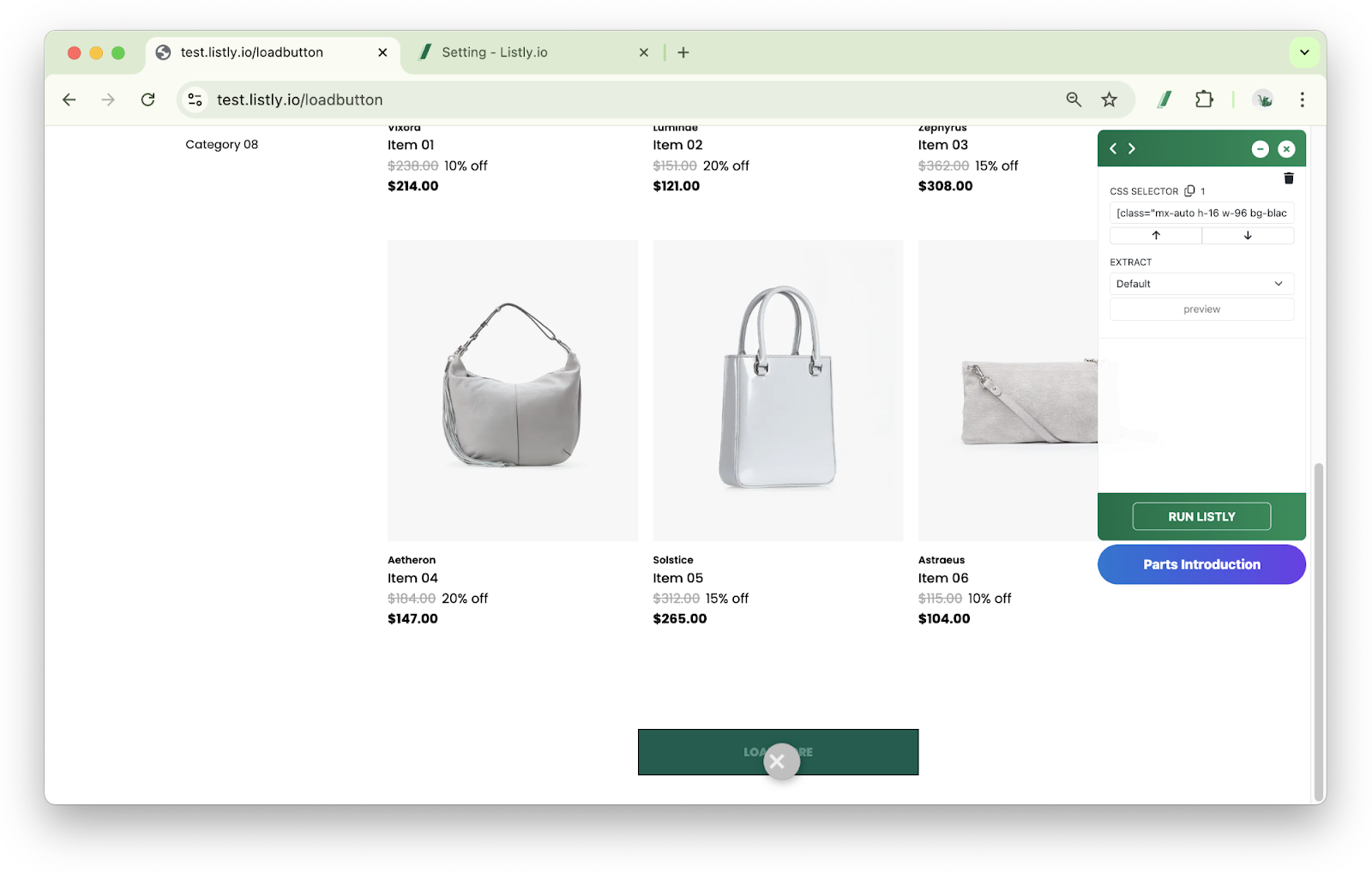
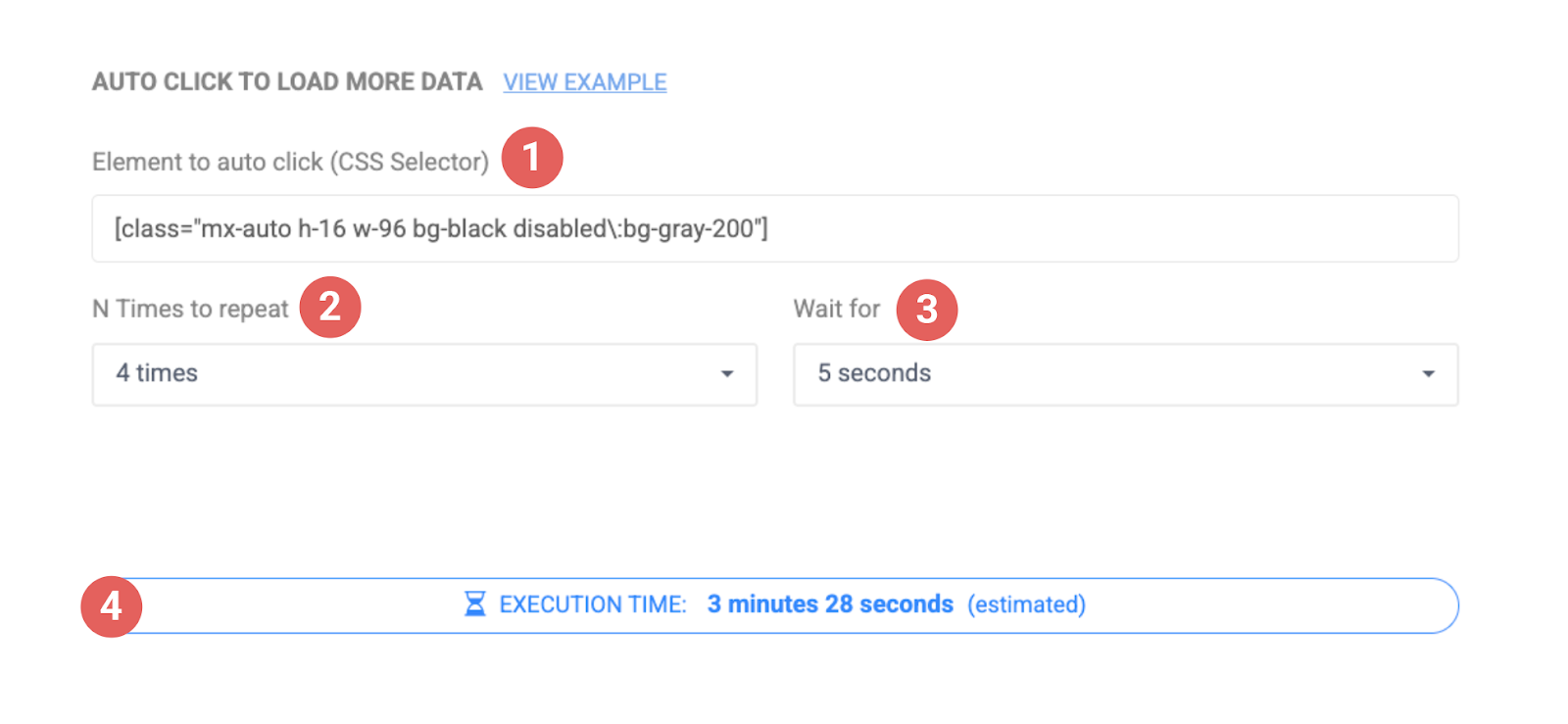
Paste the CSS Selector value into the Element to Auto-Click field in the settings window, select other options, then Save.
➊Element to Auto-Click (CSS Selector): Enter the CSS Selector value of the Load More button.
➋Number of Repetitions: Set how many times the button will be clicked. For example, if you set it to '10 times', it will retrieve data equivalent to clicking the 'Load More' button 10 times.
➌Wait Time: Set how many seconds to wait after clicking the button. Set it generously based on the page loading speed.
➍Execution Time: Displays the estimated extraction time based on the above settings. However, the maximum execution time is 10 minutes, and extraction may automatically stop if exceeded, so set the number of repetitions appropriately to finish within 10 minutes.