> For the complete documentation index, see [llms.txt](https://help.listly.io/llms.txt). Markdown versions of documentation pages are available by appending `.md` to page URLs; this page is available as [Markdown](https://help.listly.io/getting-started/result-page-features/actionscript.md).
# ActionScript
## What is Action Script?
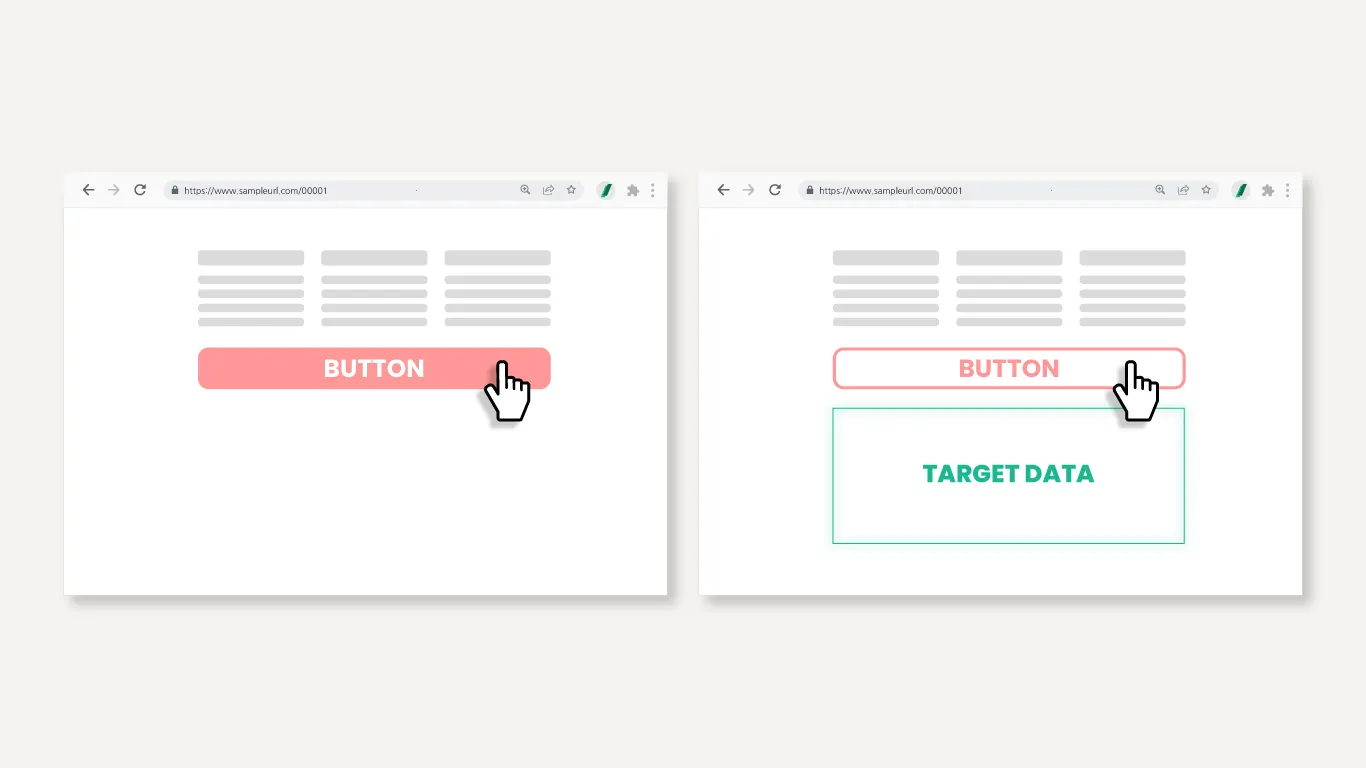
Action Script is an advanced feature that goes beyond just extracting what's visible on screen—**it lets you write JavaScript code directly to control the extraction process**.
Examples:
* Extract data from sections that appear after clicking specific buttons
* Extract data from areas that appear on mouseover
* Control other dynamically changing elements within sites before collecting data
You can **customize data extraction for special situations** that are difficult to solve with regular Listly automation settings.
{% hint style="warning" %}
Action Script creation service is an **Enterprise plan exclusive option**. If you're on a lower-tier plan, you can write scripts yourself to use this feature.
{% endhint %}
{% stepper %}
{% step %}
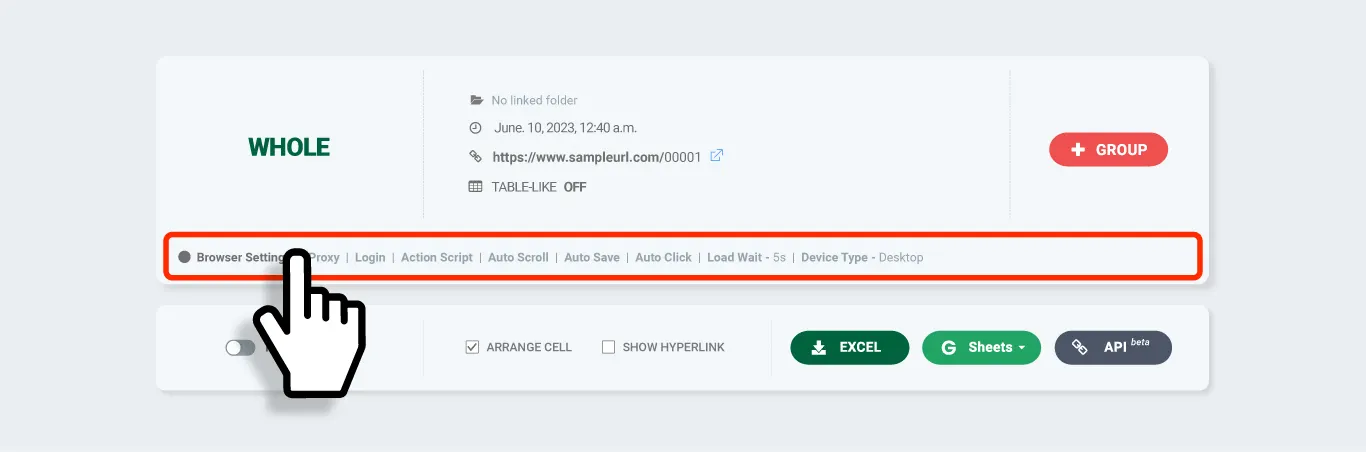
### Whole Extract then open Browser Setting
Perform a Whole Extract of the web page, then click the \[Browser Setting] section on the result page to go to that task's settings screen.
{% endstep %}
{% step %}
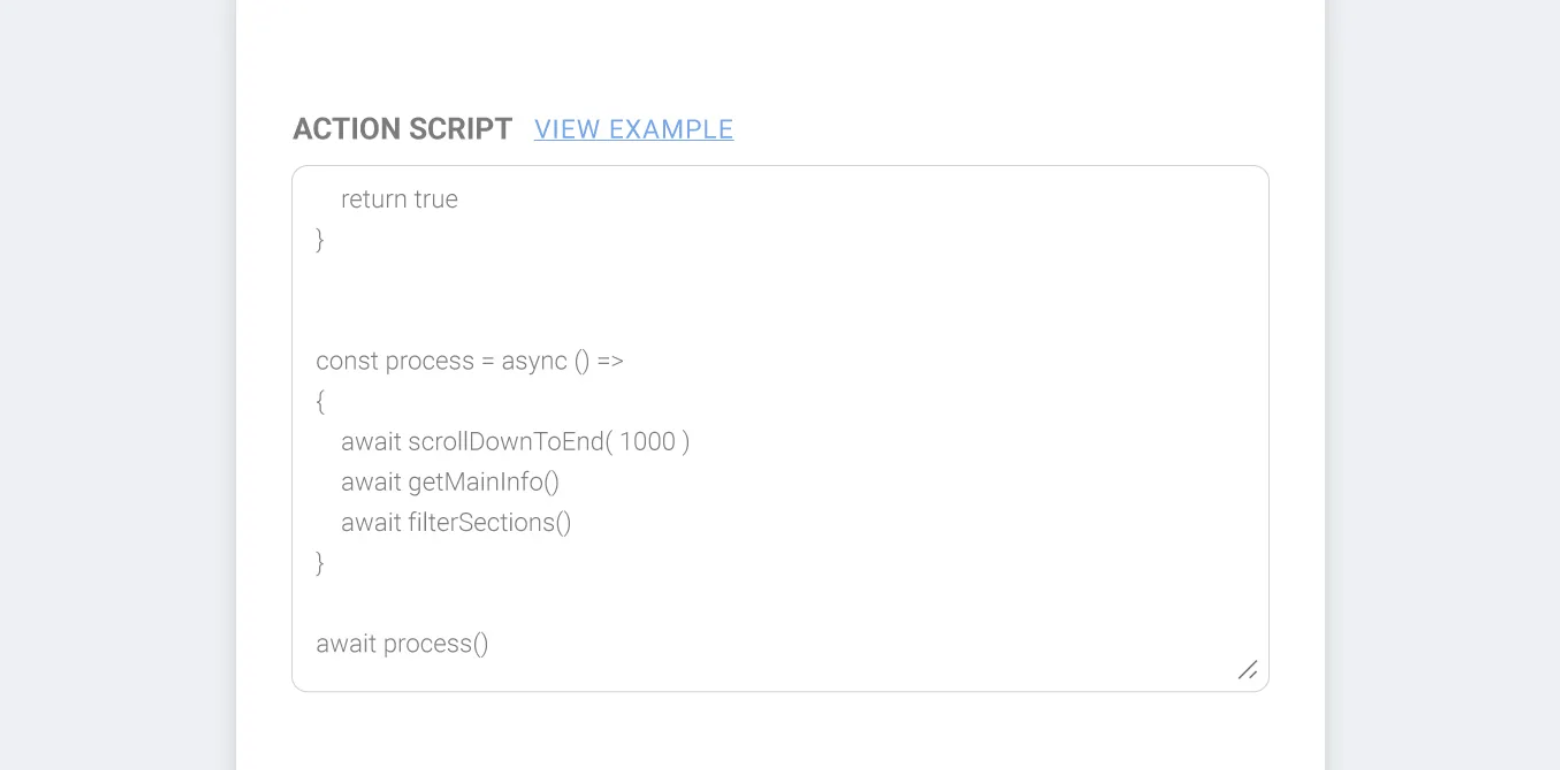
### Paste your JS into Action Script and Save
Paste your written JS code into the Action Script field on the settings screen and click **\[Save]**
{% hint style="success" %}
**TIP** These days you can even use AI services like Chat GPT to write simple scripts. The Listly team shared their experience using ChatGPT to generate Action Scripts in a newsletter—check it out:\
👉[ Asked ChatGPT to write Action Script for me and "This actually works?"](https://maily.so/listly.io/posts/knrje7v0zld)
{% endhint %}
{% endstep %}
{% step %}
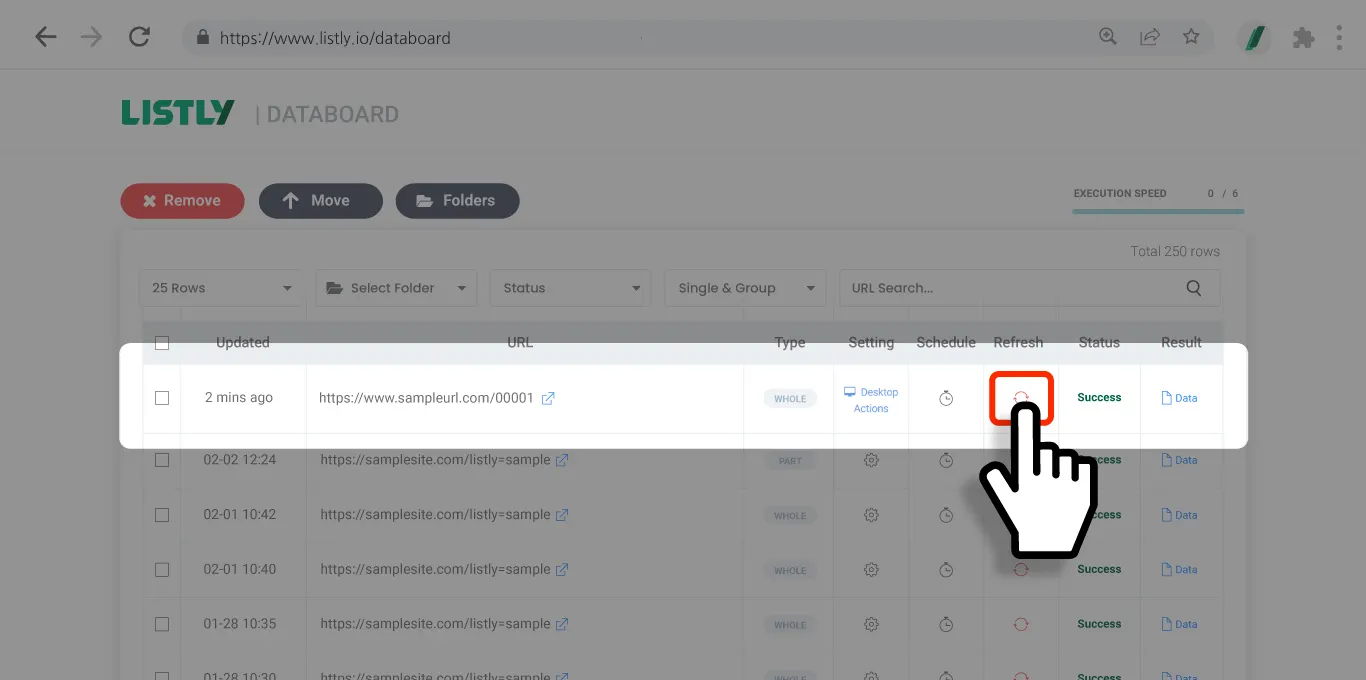
### Re-extract using Action Script
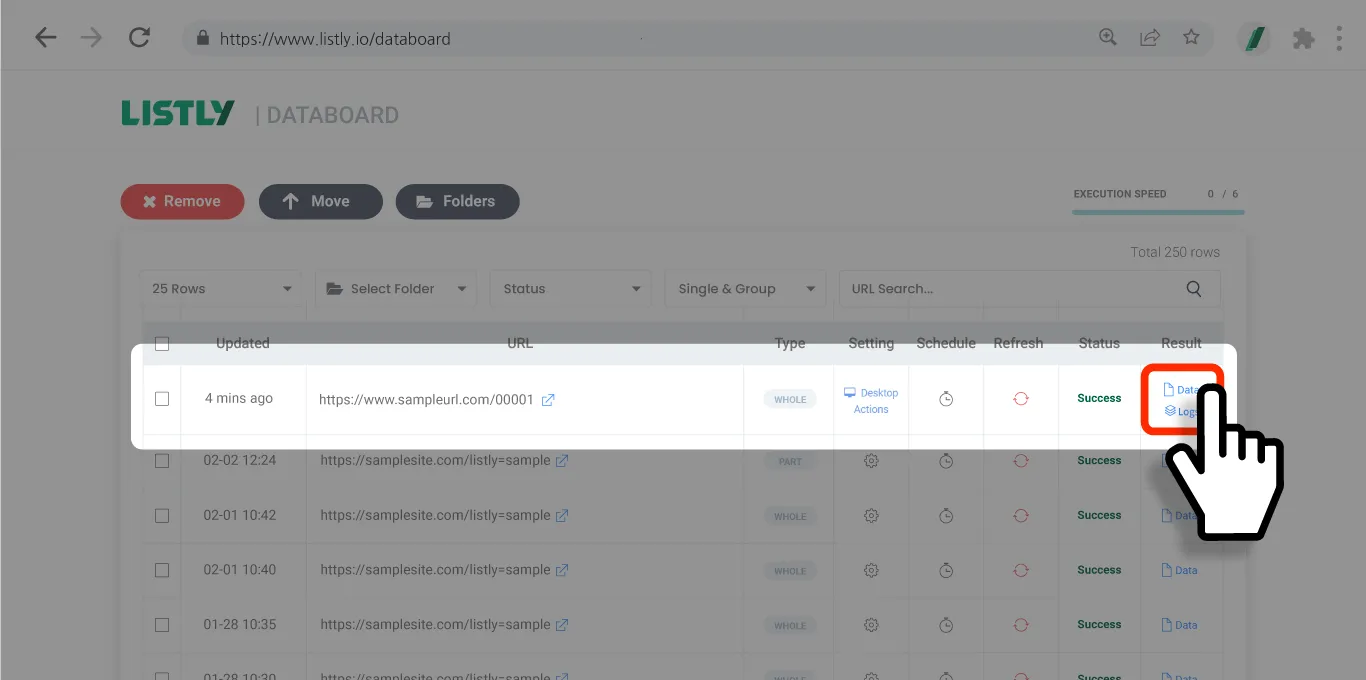
Click the **\[Re-extract]** button in the result window or Databoard to re-extract the data area using Action Script.
{% endstep %}
{% step %}
### Verify results
Check the results after re-extraction completes. Make sure to verify that your configured Action Script worked as intended.
{% endstep %}
{% endstepper %}
## Important Notes
{% hint style="warning" %}
**Important notes when applying Action Script to Group Extraction tasks**
Action Script must be applied to the source page before group extraction. Group extraction assumes other URLs have the same structure as the representative page (source page) and collects data accordingly. If you don't apply Action Script to the source page, there's no reference for performing the same action on subsequently added URLs, which can cause **tab matching errors** or **data loss**.
* Always write and apply Action Script with the **representative page** open.
* After applying Action Script, you must first **re-extract** to verify the settings work properly.
* Then use the **\[+Group]** button to add URLs, and the same Action Script behavior will be reflected across all group pages.
* If there are significant structural differences between the source page and other pages, the script may not work properly, so it's important to only include **pages with the same structure** in group extraction.
{% endhint %}
---
# Agent Instructions
This documentation is published with GitBook. GitBook is the documentation platform designed so that both humans and AI agents can read, navigate, and reason over technical content effectively. Learn more at gitbook.com.
## Querying This Documentation
If you need additional information that is not directly available in this page, you can query the documentation dynamically by asking a question.
Perform an HTTP GET request on the current page URL with the `ask` query parameter, and the optional `goal` query parameter:
```
GET https://help.listly.io/getting-started/result-page-features/actionscript.md?ask=&goal=
```
`ask` is the immediate question: it should be specific, self-contained, and written in natural language.
`goal` is optional and describes the broader end goal you are ultimately trying to accomplish on behalf of the user. GitBook uses it to tailor the answer towards what is most useful for that goal.
The response will contain a direct answer to the question and relevant excerpts and sources from the documentation.
Use this mechanism when the answer is not explicitly present in the current page, you need clarification or additional context, or you want to retrieve related documentation sections.